
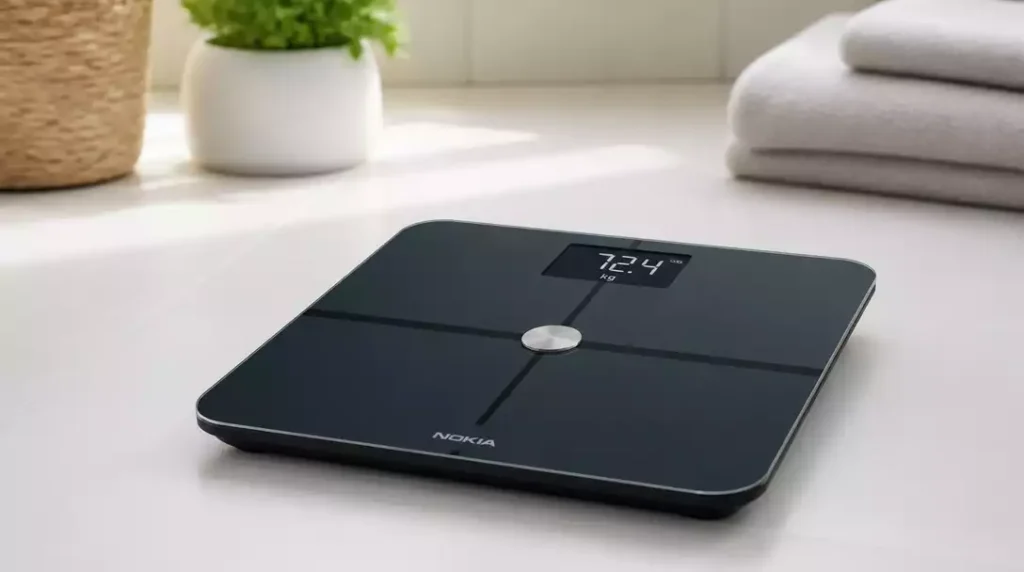
Resetting your Nokia scale can feel intimidating, but it’s a straightforward process that can significantly enhance your health monitoring experience. Are you facing connectivity issues or inaccurate readings? Here’s what you need to know.
What You Will Learn
- Recognize the signs that indicate your Nokia scale needs a reset, such as connection issues and inaccurate readings.
- Understand common problems that require a factory reset, including Bluetooth connectivity errors and unresponsiveness.
- Follow a simple step-by-step guide for performing a reset on your Nokia scale, including preparation with the Nokia Health app.
- Learn maintenance tips to enhance your scale’s performance, such as checking battery levels and keeping the surface clean.
Need for a Nokia Scale Reset
If you’re experiencing issues with your Nokia scale, it might be time for a reset. Sometimes, these devices can act up, leading to inaccurate readings or connectivity problems with the Nokia Health app. A reset can clear out any glitches and restore your scale to its original settings, allowing you to get back on track with your health journey!
Resetting your scale can seem daunting, but I promise it’s a straightforward process. Whether you’re facing syncing issues or your scale just isn’t functioning as it should, this guide will help you understand why a reset is necessary and how to do it effectively. For a broader understanding of scale resets, you might find our guide on how to reset a scale helpful.
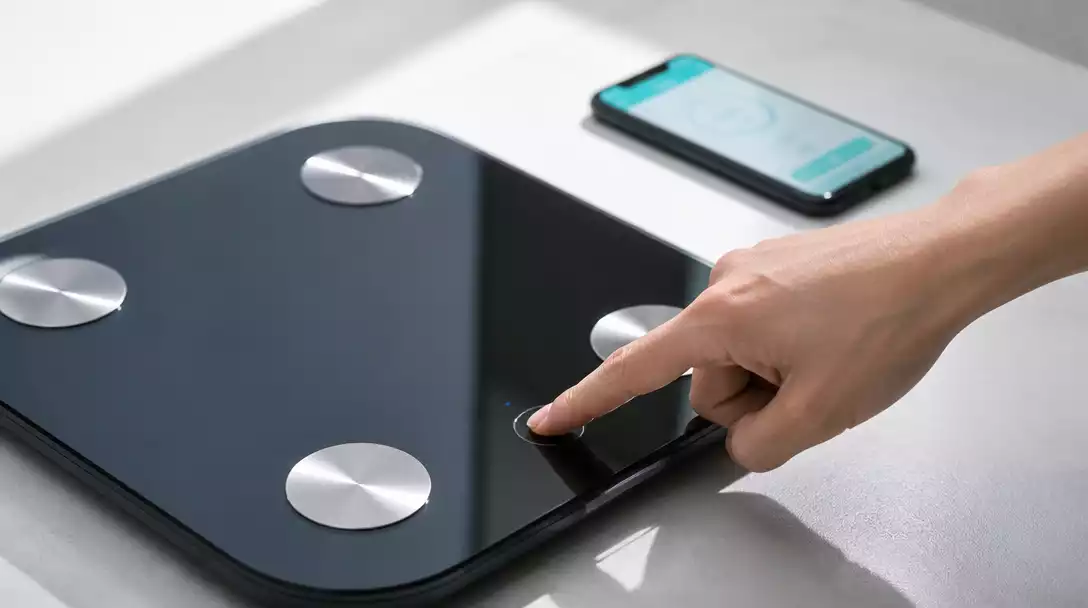
Why You Might Need to Reset Your Nokia Scale
There are several reasons why you might consider a factory reset for your Nokia scale. Here are some common situations:
- Connection Issues: If your scale won’t connect to the Nokia Health app, a reset may help clear any connection errors.
- Inaccurate Readings: If you notice inconsistencies in weight measurements, resetting the device can help recalibrate it.
- Changes in Settings: If you’ve altered settings or profiles and want to revert to default, a reset can streamline the process.
Addressing these issues through a reset can save you time and frustration. Trust me, getting your scale back to working order is worth the effort!
Common Issues Requiring a Factory Reset
Here are some common issues that often lead users to perform a factory reset on their Nokia scale:
- Bluetooth Connectivity Errors: If your scale and phone aren’t syncing properly, it might be time for a reset.
- Unresponsive Scale: Sometimes, the scale simply won’t respond to your inputs, indicating a reset is necessary.
- Software Bugs: Like all tech, your scale can experience bugs that a reset can often resolve.
By addressing these common problems with a reset, you’ll find that your scale can perform much more reliably. It’s a simple step that can make a significant difference in your health monitoring experience! If you encounter similar issues with other types of scales, learning how to fix a bathroom scale can provide additional troubleshooting tips.
Pro Tip
To ensure a smoother reset process, try to keep your Nokia Scale and your smartphone within close proximity during the reset. This can minimize connectivity issues and help the devices sync more effectively.
Final Thoughts on Resetting Your Nokia Scale
Resetting your Nokia Scale doesn’t have to be a daunting task! In this section, I’ll recap everything we’ve discussed and highlight some key takeaways to ensure you feel confident in the reset process.
Recap of the Reset Process and Key Takeaways
First, let’s summarize the main steps involved in resetting your Nokia Scale:
- Check the battery levels and ensure your device is in good condition.
- Use the Nokia Health app to prepare for the reset.
- Follow the specific reset instructions for your model (Body, Body+, or Body Cardio).
- Post-reset, remember to re-pair your scale with your mobile device.
These steps can prevent issues down the line and optimize your scale’s functionality! Regularly resetting your Nokia Scale can help maintain accurate readings and ensure a smooth user experience.
FAQs about Resetting Your Nokia Scale
- Q: When should I consider resetting my Nokia scale?
- A: You should consider resetting your Nokia scale if you experience persistent connection issues with the Nokia Health app, notice inaccurate weight readings, or if the scale becomes unresponsive. A reset can also be useful if you wish to revert settings to their default.
- Q: Will resetting my Nokia scale erase my personal data?
- A: Yes, a factory reset will typically clear out any personalized settings and stored data on the scale itself, returning it to its original factory configuration. However, data already synced to your Nokia Health app or cloud account should remain safe.
- Q: Do I need the Nokia Health app to reset my scale?
- A: While the specific reset procedure may vary by model, preparing for the reset often involves using the Nokia Health app. It’s also essential for re-pairing your scale after the reset is complete.
- Q: What should I do after resetting my Nokia scale?
- A: After performing a reset, you will need to re-pair your Nokia scale with your mobile device using the Nokia Health app. You may also need to re-enter any personalized settings or profiles.
- Q: How often should I reset my Nokia scale?
- A: There’s no fixed schedule for resetting your scale. It should only be done when you encounter problems that cannot be resolved through other troubleshooting steps, such as checking batteries or cleaning the surface.
Encouraging Regular Maintenance for Optimal Performance and Weight Management
Just like any technology, regular maintenance can go a long way in ensuring your Nokia Scale performs at its best. Here are some handy tips to keep in mind:
- Check battery levels frequently to avoid unexpected shutdowns.
- Update the Nokia Health app regularly to benefit from the latest features.
- Clean the scale’s surface to prevent interference with measurements.
Incorporating these practices can truly enhance your weight management journey! Staying proactive about your scale’s maintenance can make a significant difference in achieving your health goals. For tips on keeping other weighing devices in top condition, you might want to learn how to clean a food scale.
Join the Conversation: Share Your Experience
I’d love to hear from you! If you’ve gone through the reset process or have questions about your Nokia Scale, feel free to leave a comment below.
Leave Your Questions or Comments Below
Engaging with our community can provide you with additional insights and tips from others who have faced similar challenges. Whether it’s troubleshooting or sharing success stories, your input is valuable!
Explore Community Support for Additional Help with Health Monitoring
Don’t forget, you’re not alone in your health journey. Our community is here to support you! Explore forums or social media groups dedicated to health monitoring where you can find solutions, share experiences, and encourage one another. If you’re looking for general advice on maintaining accurate readings, checking out how to know if a scale is wrong could also be beneficial.
Recap of Key Points
Here is a quick recap of the important points discussed in the article:
- Consider a reset if you experience connection issues with the Nokia Health app.
- Resetting can help resolve inaccurate weight readings and recalibrate your scale.
- Common issues like Bluetooth errors and unresponsive devices can often be fixed with a reset.
- Regular maintenance, such as checking battery levels and cleaning the scale, is essential for optimal performance.
- Stay updated with the Nokia Health app to access the latest features and improvements.





