
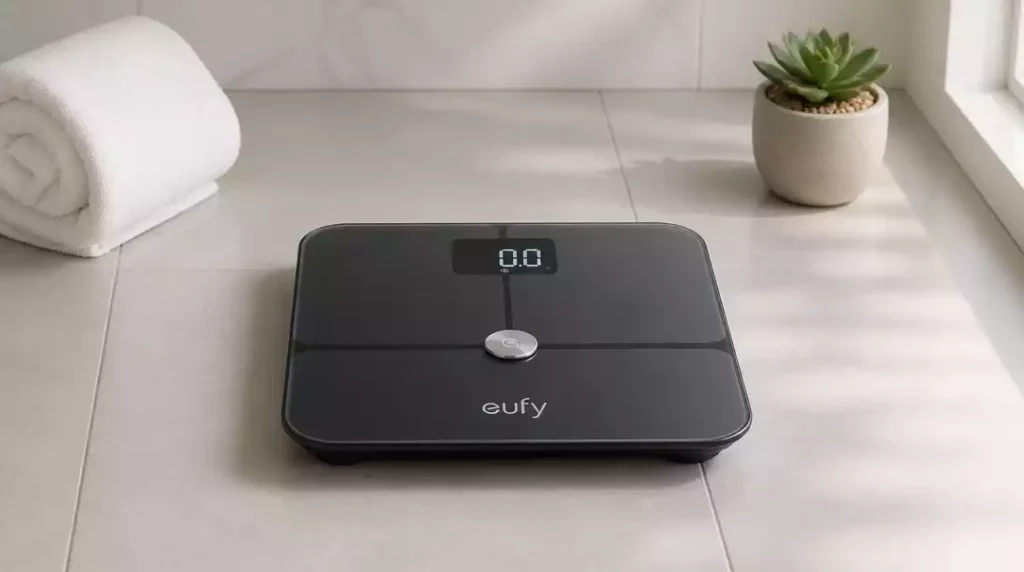
Have you ever faced frustration when your Eufy scale doesn’t provide accurate readings? Understanding how to tackle these issues can significantly enhance your health tracking experience!
What You Will Learn
- Recognize common issues that may necessitate a factory reset, such as connection errors and inaccurate weight measurements.
- Differentiate between Eufy scale models (P2, P3, C20) and understand the unique reset processes for each.
- Identify when it’s appropriate to seek additional help from customer support after attempting a reset.
- Learn the importance of regularly updating your scale’s firmware for optimal performance and connectivity.
Guidelines for Restoring Your Eufy Scale to Factory Settings
There are times when our Eufy scale may not perform as expected, leading to the need for a factory reset. Users often face issues like connection errors, inaccurate readings, or calibration discrepancies. Understanding these problems can help you determine whether a reset is the right solution!
Common issues that typically prompt a reset include:
- Inability to connect to the EufyLife app
- Inconsistent weight measurements
- Calibration problems that affect readings
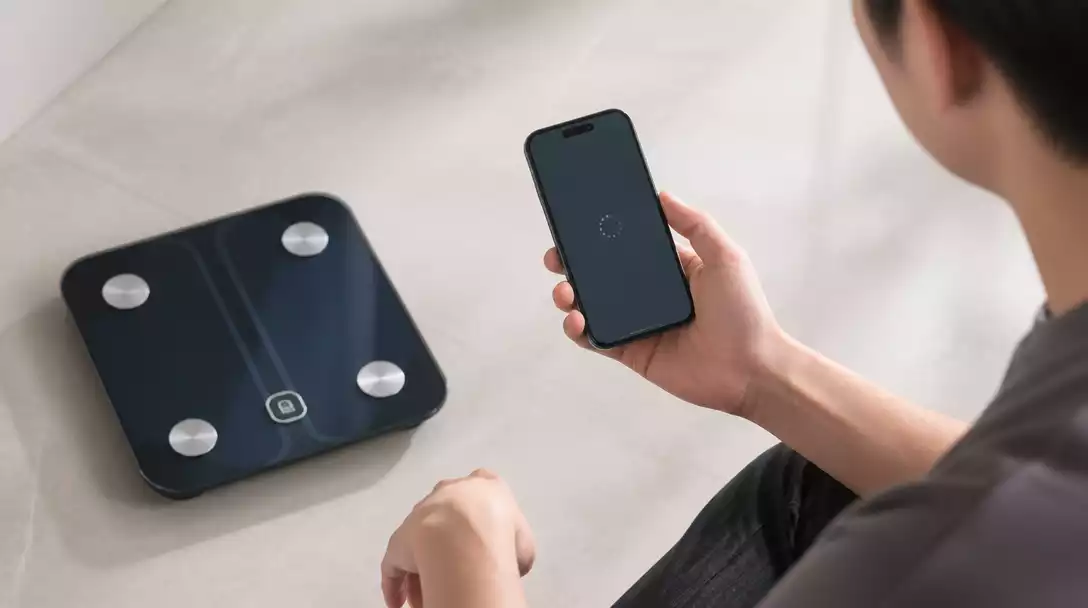
If you find yourself facing these frustrations, resetting your scale can restore its functionality and help you get back on track with your health goals. For a more general guide on troubleshooting common scale problems, check out our article on how to fix a scale that is off.
Common Issues with Eufy Scales
It’s essential to recognize specific scenarios that might lead you to reset your Eufy scale. For instance, if you’re experiencing connection errors, like being unable to sync your scale with the app, a reset may resolve these issues. Calibration inaccuracies can lead to significant discrepancies in weight readings, making it essential to address them promptly.
Additionally, if you’ve recently changed your Wi-Fi network or need to disconnect your scale from previous accounts, a factory reset will help you start fresh. This allows for a seamless reconnection to the app and other smart home devices!
Identifying Your Eufy Scale Model: P2, P3, C20, and Others
Before proceeding with a reset, it’s crucial to identify which model of Eufy scale you own. The reset process can vary between models such as the Eufy P2, P3, and C20. Each model may have unique features and reset instructions.
- P2: Known for its sleek design and basic features.
- P3: Offers additional body composition metrics for enhanced tracking.
- C20: Provides comprehensive health data and app connectivity.
If you’re unsure of your model, checking the product manual or the Eufy website can provide clarity. Once you know your model, you can follow the appropriate steps for a successful reset! If you’re looking for instructions on how to reset a different type of scale, you might find our guide on how to reset a digital scale helpful.
Pro Tip
Did you know? Regularly calibrating your Eufy scale can significantly enhance its accuracy. To ensure your scale is providing the most precise readings, consider recalibrating it every few months or after moving it to a different location. This simple step can help you stay on track with your health goals!
When to Seek Additional Help: Beyond the Reset
Limitations of the Reset Process
While resetting your Eufy scale can resolve many issues, there are times when a reset may not fix the underlying problem. For instance, if you’re still experiencing connectivity troubles or inaccurate readings even after a reset, it might be a sign of a more serious issue. That’s when it’s best to reach out to customer support for expert assistance.
Here are some scenarios where contacting support could be necessary:
- Your scale remains unresponsive after multiple resets.
- Persistent error messages continue to pop up, like “Lo” or “Err.”
- Calibration issues don’t improve despite following the recommended steps.
In these cases, it’s important not to hesitate. The support team is there to help you troubleshoot issues that go beyond what a simple reset can fix!
Frequently Asked Questions About Eufy Scale Resets
Here are some common questions users have regarding Eufy scale resets:
- Will I lose my previous data after resetting?
- A factory reset on your Eufy scale typically clears the scale’s internal memory, but your data stored in the EufyLife app should remain intact as it syncs to the cloud. However, it’s always a good practice to ensure your app data is synced before performing a reset.
- How often should I perform a reset?
- You should only perform a reset when you encounter issues such as connectivity problems, inaccurate readings, or difficulty pairing with the app. Regular, unnecessary resets are not recommended.
- What if my scale doesn’t pair with the app post-reset?
- If your scale doesn’t pair after a reset, ensure your phone’s Bluetooth is on, the EufyLife app is updated, and you are following the pairing instructions specific to your model. If problems persist, try restarting your phone or contacting Eufy customer support.
- How do I know which Eufy scale model I have?
- You can usually find the model number on the underside of your Eufy scale, in the product manual, or on the packaging. This information is crucial for following model-specific reset instructions.
- Can a firmware update fix issues without a reset?
- Yes, often a firmware update can resolve bugs and improve performance, potentially fixing issues like connectivity or accuracy without needing a full factory reset. It’s always a good first step before considering a reset.
Updating Your Eufy Scale Firmware for Optimal Performance
To keep your Eufy scale functioning at its best, regularly checking for firmware updates is crucial. These updates often include improvements that enhance accuracy and connectivity. Here’s how to do it:
- Open the EufyLife app.
- Go to your scale’s settings.
- Look for the firmware update option and follow the prompts to install it.
Staying updated ensures that you’re benefiting from the latest features and fixes, ultimately improving your overall experience! For more insights on maintaining accuracy, consider reading about how to calibrate a bathroom scale.
Final Thoughts and Encouragement to Take Action
Taking Control of Your Eufy Scale Experience
Understanding how to effectively manage your Eufy scale is empowering! It allows you to tackle issues head-on and ensures you’re making the most out of your health tracking. Remember, knowledge is key, and I’m here to help!
Encouraging User Engagement and Feedback
I love hearing from users like you! If you have questions about the reset process or want to share your experiences, don’t hesitate to reach out. Your feedback not only helps me provide better content but also assists fellow users in navigating their Eufy scale challenges.
Joining the Eufy Community for Support and Sharing
If you’re looking for a space to connect with others who use Eufy scales, I encourage you to join the Eufy community! It’s a great platform for sharing tips, reviews, and support. Engaging with others can make your health journey not only more effective but also more enjoyable!
Recap of Key Points
Here is a quick recap of the important points discussed in the article:
- Factory resets can resolve common issues with Eufy scales, such as connection errors and inaccurate readings.
- Identify your specific Eufy scale model (P2, P3, C20) to follow the correct reset instructions.
- If problems persist after a reset, consider reaching out to customer support for further assistance.
- Regularly check for firmware updates via the EufyLife app to maintain optimal scale performance.
- Engage with the Eufy community for additional support and to share experiences with other users.





