
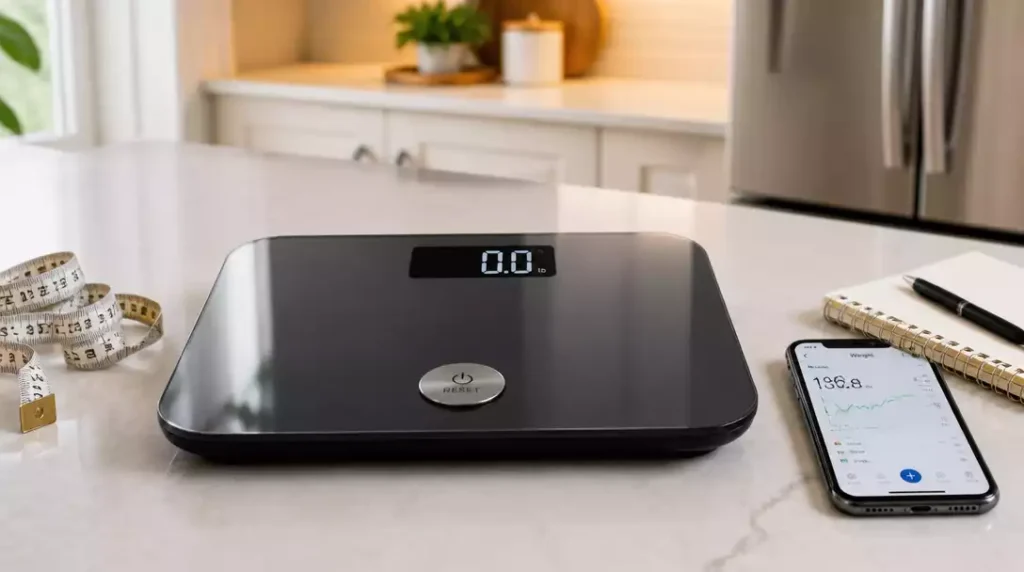
Have you ever wondered why your digital scale sometimes gives inconsistent readings? Understanding the reset process can save you time and ensure accurate measurements for your health and cooking needs.
What You Will Learn
- How to effectively reset your digital scale for accurate measurements.
- The importance of maintaining accurate readings for health and cooking.
- Techniques to troubleshoot common scale issues and error codes.
- The role of calibration in ensuring your scale’s reliability.
How to Reset a Digital Scale
Resetting your digital scale can feel daunting, but it doesn’t have to be! It’s essential to understand what resetting means, especially if you’re looking to maintain accurate measurements. When we talk about resetting a scale, we’re generally referring to restoring it to a state where it can provide reliable readings. This might involve zeroing out any weight or recalibrating it after a change in battery or location.
Additionally, knowing how to reset your scale can save you time and frustration. Many users find themselves puzzled when their scales don’t seem to provide the right readings. By mastering the reset process, you’ll ensure your scale is always accurate and ready for use!
What Resetting Your Scale Involves
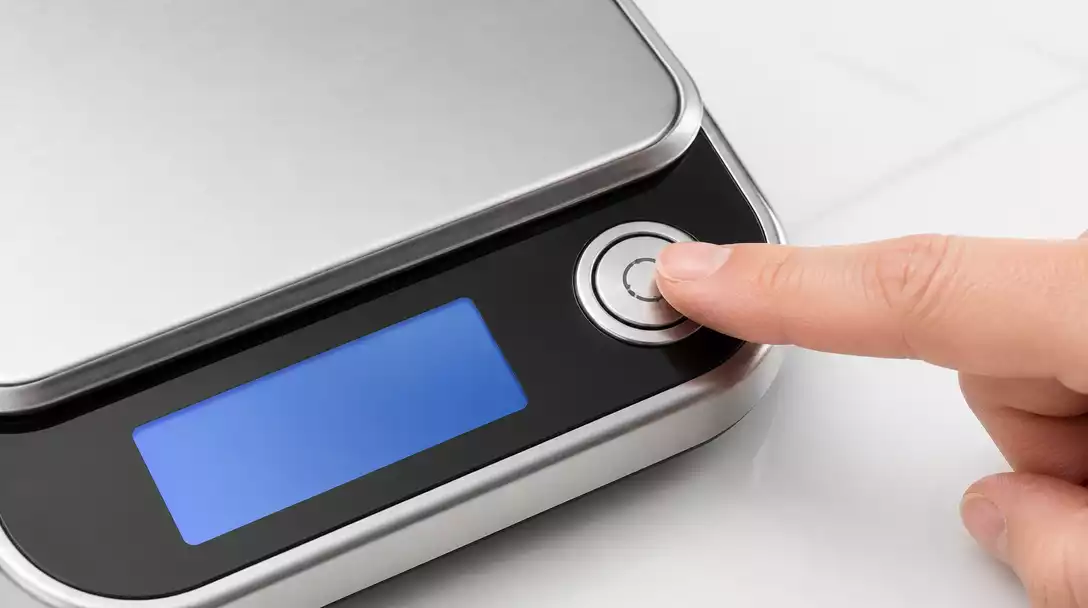
When you reset a digital scale, you’re essentially clearing any previous measurements or errors stored in its memory. This can be done through various methods, depending on the model of your scale. The most common reset actions include:
- Power cycling the device
- Using the tare or zero function
- Pressing a specific reset button
Each method serves a purpose, whether to clear an error message or to recalibrate the scale for precise readings. It’s a straightforward process, and knowing the right steps can help you maximize the efficiency of your scale!
The Importance of Accurate Readings for Your Scale
Accurate readings are crucial, especially if you’re using your scale to track weight loss, monitor health, or measure ingredients for recipes. Having a scale that gives you reliable results can influence your decision-making, whether it’s about your diet or your cooking. If your scale isn’t accurate, you could end up with misleading information.
Here are a few reasons why you should always ensure your digital scale is reading accurately:
- Maintaining a healthy lifestyle is easier when you have correct data!
- Cooking with precise measurements leads to better results.
- Accurate tracking helps you meet your fitness goals.
Inaccurate readings can lead to frustration and inconsistency in your routine. That’s why resetting your scale when needed is essential for achieving your personal goals! For more insights on general maintenance, consider learning how to fix a bathroom scale if you encounter specific issues.
How Digital Technology Influences Scale Accuracy
Digital scales utilize advanced technology to provide precise measurements. However, this technology can sometimes be sensitive to various factors, such as temperature and humidity. Even minor fluctuations can affect accuracy, which is why understanding how to reset your scale is so important.
Here are some factors that can influence your scale’s accuracy:
- Calibration errors due to environmental changes
- Battery performance and power issues
- Physical damage or wear and tear
By regularly resetting your scale and monitoring these factors, you can maintain optimal performance and trust its readings. Remember, a well-maintained scale can be a powerful tool in your health and wellness journey! If you’re curious about the mechanics, explore how a digital bathroom scale works to better understand its technology.
Pro Tip
Did you know? Regular maintenance of your digital scale, including occasional resets and calibrations, can extend its lifespan significantly! Always check your scale’s manual for specific recommendations on how often to perform these tasks based on usage.
Recap of Key Resetting Techniques
As we wrap up our discussion on resetting digital scales, it’s essential to summarize the key techniques that you can use. These methods are simple yet effective, ensuring that you can keep your scale functioning accurately. By familiarizing yourself with both quick reset methods and more comprehensive options, you’ll be ready to tackle any issue that arises!
- Quick Reset Techniques: Power, Tare, and Reset Buttons
- More Comprehensive Options: Battery Removal and Replacement
- Factory Reset Procedures for Deep Calibration
Each of these methods has its place depending on the situation. Whether you’re dealing with a minor glitch or needing a full recalibration, knowing when to apply each technique will save you time and frustration!
Frequently Asked Questions About Digital Scale Resetting
Why Won’t My Digital Scale Reset?
Sometimes, it can be frustrating when your scale refuses to reset. This issue often arises due to low batteries, a malfunctioning button, or even a need for a factory reset. Make sure to check these elements before assuming the worst!
How to Recalibrate After Changing Batteries?
Recalibrating after changing batteries is straightforward. Simply follow the calibration steps outlined in your user manual, using known weights. This ensures that your scale is accurate after any battery-related disruptions!
What Should I Do If My Scale Is Still Inaccurate After Reset?
If your scale remains inaccurate post-reset, try recalibrating it again with a reliable weight. If issues persist, it may be worth checking for physical obstructions or even consulting the manufacturer for specific troubleshooting advice.
How to Handle Scale Malfunctions and Error Codes
Error codes can be daunting, but understanding them is key. Each manufacturer usually has a guide for interpreting these codes. Consult your scale’s user manual for specific instructions, and don’t hesitate to reach out to customer support if needed!
What is the difference between resetting and calibrating a digital scale?
Resetting a digital scale typically clears any temporary errors or stored measurements, bringing it back to a default state. Calibration, on the other hand, involves adjusting the scale’s internal settings to ensure it accurately measures weight against a known standard. Both are important for maintaining accuracy.
Can environmental factors affect my scale’s accuracy even after a reset?
Yes, environmental factors such as temperature, humidity, and even vibrations can still affect a digital scale’s accuracy, even after a reset. Regular monitoring and recalibration, especially after significant environmental changes, are recommended for optimal performance.
How often should I reset my digital scale?
The frequency of resetting depends on your usage and if you notice inconsistencies. It’s a good practice to reset your scale if you move it, change its batteries, or observe unusual readings. Some manufacturers might also suggest periodic resetting in their manuals.
Is it possible for a digital scale to be beyond reset or calibration?
While most issues can be resolved with resetting and calibration, some severe problems, such as internal component damage or extensive wear and tear, might render a scale irreparable. If troubleshooting steps don’t work, it might be time to consider a replacement.
Where can I find specific reset instructions for my scale model?
The best place to find specific reset instructions is your scale’s user manual. If you no longer have the manual, most manufacturers provide digital versions on their official websites. You can also contact their customer support for assistance.
Final Thoughts on Calibration and Troubleshooting
Calibration is just as crucial as resetting your digital scale. After performing a reset, you must ensure your scale is properly calibrated to achieve maximum accuracy. This step cannot be overlooked, as even a well-reset scale can provide misleading readings if not calibrated correctly.
- Always recalibrate after a battery change or a reset.
- Use known weights to verify accuracy.
- Keep an eye on common troubleshooting issues to maintain performance.
In my experience, a little attention to calibration goes a long way in ensuring that your measurements remain reliable and consistent! For guidance on precision, learn how to read milligrams on a scale effectively.
Call to Action: Stay Informed for Precision in Measurements
Explore Further Resources for Your Digital Scale Needs
To enhance your understanding and maintenance of digital scales, consider exploring additional resources and guides we offer. Staying informed can make all the difference in keeping your equipment accurate!
Join Our Community for Tips and Support
Lastly, I invite you to join our community where we share valuable tips and support for all things related to digital scales. Together, we can help each other maintain precision in our measurements and ensure successful outcomes!
Recap of Key Points
Here is a quick recap of the important points discussed in the article:
- Resetting your digital scale ensures accurate and reliable measurements.
- Common reset methods include power cycling, using the tare function, and pressing a reset button.
- Always recalibrate your scale after performing a reset or changing batteries for maximum accuracy.
- Monitor environmental factors like temperature and humidity that may affect scale performance.
- Stay informed about troubleshooting techniques and error codes specific to your scale model.





