
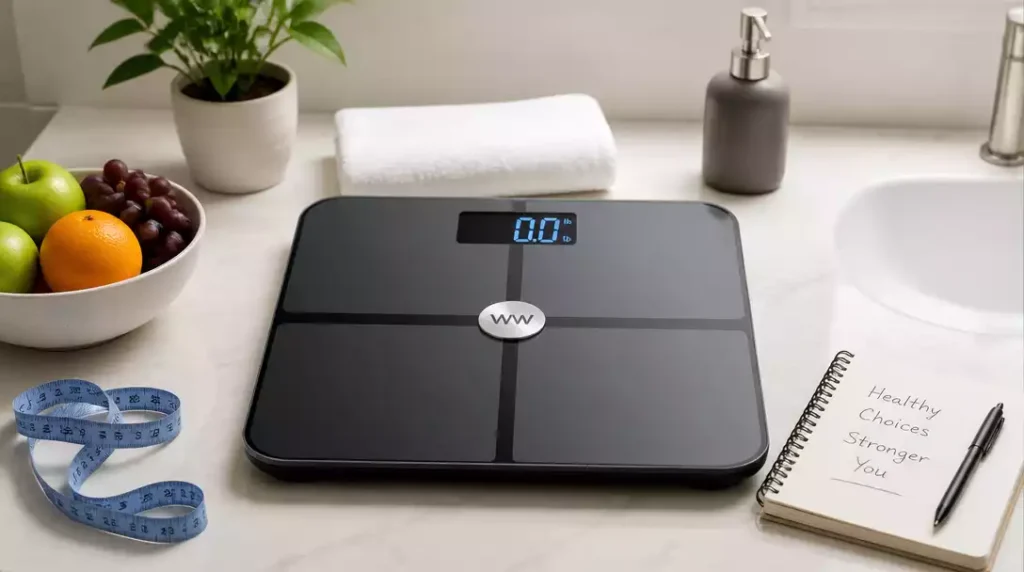
Have you ever struggled with maintaining the accuracy of your weight scale? Resetting your WW scale might just be the solution you need to keep your weight tracking precise and effective.
What You Will Learn
- Understanding the difference between soft resets and factory resets for your WW scale.
- Common reasons for needing to reset your scale, including connectivity issues and inaccurate readings.
- Step-by-step instructions for resetting various models of WW scales, including Bluetooth body analysis scales.
- The importance of body composition measurements in enhancing your weight management journey.
WW Scale Reset Process
Resetting your WW scale can feel a bit intimidating, but it’s a straightforward process that can keep your weight tracking on point! When we talk about resetting, we’re referring to getting your scale back to its original settings, which can help resolve any inaccuracies or connectivity issues. In this section, I’ll explain what it means to reset a WW scale and the different types of resets available.
What Does It Mean to Reset a WW Scale?
When we reset a WW scale, we’re restoring it to its original state, which can be crucial for accurate readings. Often, this involves clearing stored data or settings, allowing the scale to function optimally. This process is essential for anyone who uses their scale regularly, as it ensures that you’re getting reliable weight measurements every time.
Defining Reset Types: Soft Reset vs. Factory Reset
There are two primary types of resets: a soft reset and a factory reset. A soft reset simply clears temporary data, while a factory reset returns the scale to the settings it had when you first unboxed it. Here’s a quick comparison:
- Soft Reset: Clears temporary settings, typically easy to perform.
- Factory Reset: Returns all settings to original factory conditions, which often deletes user data.
Choosing the right type of reset depends on your specific needs. If you’re only experiencing minor issues, a soft reset may suffice. However, if your scale is significantly malfunctioning, a factory reset is likely the best route. For a general guide on how to reset a scale, you can refer to this article on resetting a scale.
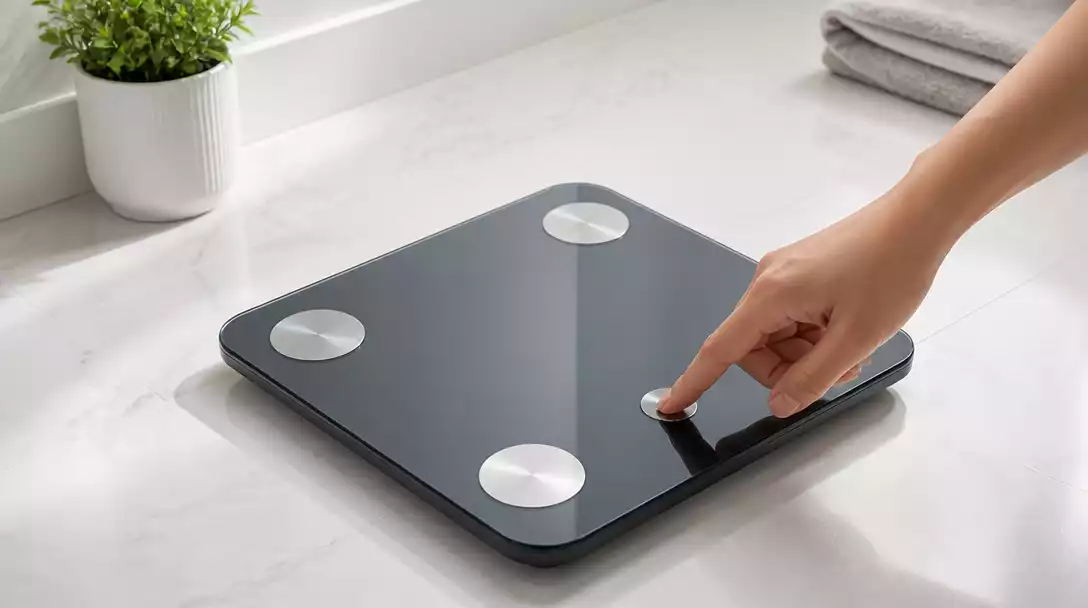
Why You Might Need to Reset Your Scale
There are several reasons why resetting your scale might become necessary. Perhaps your readings have become inconsistent, or maybe you’ve switched units of measurement. Additionally, if your scale is unresponsive or you’ve encountered syncing issues with your app, a reset can help. Here are common triggers for a reset:
- Inaccurate weight readings
- Connectivity problems with the WW app
- Unit measurement changes (e.g., from pounds to kilograms)
By understanding these triggers, you can maintain your scale’s accuracy and functionality, keeping your weight management journey on track!
Common Models of WW Scales and Their Reset Instructions
Different models of WW scales come with specific reset instructions. Whether you’re using a Bluetooth body analysis scale or a digital WW scale, knowing how to reset your model can save you time and frustration. Below, I’ll break down the basics for popular models.
Resetting Bluetooth Body Analysis Scales
Bluetooth body analysis scales are fantastic for tracking more than just weight, but they can sometimes require resetting. Generally, this involves accessing the settings through your app or using a combination of buttons on the scale. Here’s how:
- Open the WW app and navigate to device settings.
- Find the reset option and confirm.
- Follow any on-screen prompts to complete the reset.
By following these steps, your Bluetooth scale should reconnect seamlessly with the app!
Steps for Resetting Digital WW Scales
For digital WW scales that don’t connect to apps, the reset process is typically simpler and involves just a few button presses. Here’s a handy guide:
- Power on the scale.
- Locate the reset button, often found on the back or bottom.
- Press and hold the reset button for a few seconds.
In just a moment, your scale will be reset and ready for use!
Model-Specific Instructions: Key Features and Differences
Each model of WW scale might have unique features or methods for resetting. It’s vital to refer to your specific model’s user manual for precise instructions. Some key features to consider include:
- Bluetooth connectivity for syncing with the app
- Body composition analysis capabilities
- Measurement unit options (KG/LB)
By understanding your scale’s features, you’ll be better equipped to handle any issues that arise!
Understanding WW Scale Features for Better Usage
To get the most out of your WW scale, it’s essential to understand its features. These devices offer more than just weight measurements—they provide insights that can help you manage your health effectively.
Exploring Smart Scale Technology and Its Benefits
Smart scale technology has revolutionized how we track our health. These scales can measure not only weight but also body fat percentage, muscle mass, and water composition. By utilizing these features, you can gain a holistic view of your body’s composition and track changes over time. This can be particularly motivating on your weight management journey!
How Body Composition Measurements Enhance Weight Management
Body composition measurements are vital for anybody serious about their fitness goals. Knowing details like muscle vs. fat ratio helps tailor workouts and nutrition plans. Here are some benefits:
- Provides a clearer picture of weight loss progress
- Helps tailor fitness routines based on body composition
- Encourages a focus on overall health, not just weight
Incorporating these insights can empower you to make informed decisions about your health and fitness!
Pro Tip
Did you know? Regularly checking and resetting your WW scale can significantly improve its accuracy and help you track your weight management journey more effectively. Make it a habit to reset your scale every few months, especially if you notice any inconsistencies in your readings!
Key Takeaways for WW Scale Users
Resetting your WW Scale doesn’t have to be a daunting task! With the right steps, you can effectively get your scale back to working order. Here’s a quick recap of the most important points to keep in mind when resetting your scale!
Quick Recap of Resetting Your WW Scale
When it comes to resetting your WW Scale, there are a few key steps and precautions that can make the process smoother:
- Identify whether you need a basic reset or a factory reset
- Locate the reset button on your scale for easy access
- Follow the specific instructions for your scale model carefully
- Be aware of potential data loss during a factory reset
By following these tips, you can avoid common pitfalls and ensure that your scale performs accurately. Remember, maintaining your scale is just as important as using it!
Frequently Asked Questions About Resetting Your WW Scale
Here are some common questions about resetting your WW scale:
- What is the difference between a soft reset and a factory reset for a WW scale?
- A soft reset clears temporary data and settings, often resolving minor issues, while a factory reset restores the scale to its original, out-of-the-box settings, typically deleting all user data. Choosing between them depends on the severity of the issue you’re trying to fix.
- Why would I need to reset my WW scale?
- You might need to reset your WW scale due to inaccurate weight readings, connectivity issues with the WW app, or if you need to change units of measurement (e.g., from pounds to kilograms) and the scale isn’t responding correctly. A reset can help restore proper functionality.
- How do I reset a Bluetooth body analysis WW scale?
- For Bluetooth body analysis scales, you typically reset them through the WW app. Open the app, navigate to device settings, find the reset option, and confirm. Follow any on-screen prompts to complete the process and reconnect the scale with your app.
- What should I do if my digital WW scale doesn’t have an app connection?
- For digital WW scales without app connectivity, the reset process usually involves physical buttons. Power on the scale, locate the reset button (often on the back or bottom), and press and hold it for a few seconds. This should reset the scale.
- Do all WW scale models reset the same way?
- No, different WW scale models may have unique reset procedures due to varying features and designs. It’s always best to consult your specific model’s user manual for precise instructions. Key features like Bluetooth connectivity or body composition analysis can influence the reset method.
FAQs and Further Assistance
If you find yourself with questions as you navigate the reset process, don’t worry! There are a plethora of resources available to help you out.
Where to Find Additional Resources and Support
For more detailed instructions or troubleshooting tips, consider visiting the official WW website or checking out instructional videos. These resources can provide clarity and visual guides to assist you. If you need to know how to calibrate a WW scale, additional support can also be found there.
Community and Expert Help: Engaging with Other Users
Don’t underestimate the power of community! Engaging with other WW Scale users can provide valuable insights and support.
- Join online forums or social media groups dedicated to WW Scale users
- Share your experiences and learn from others
- Ask questions and get expert advice from fellow users
Connecting with others can enhance your scale experience and help you troubleshoot any issues you might face. For instance, if you’re experiencing issues with another brand, you might find solutions in guides like how to reset a Renpho scale.
Understanding User Manuals and App Integration for Better Support
Lastly, the user manual that comes with your scale is a treasure trove of information! Familiarize yourself with it, as it contains specific details tailored to your model. Additionally, utilizing the WW app can enhance your experience by integrating your scale data and offering personalized insights.
Recap of Key Points
Here is a quick recap of the important points discussed in the article:
- Understand the difference between a soft reset (clears temporary data) and a factory reset (restores original settings).
- Recognize common reasons for resetting your scale, including inaccurate readings and connectivity issues.
- Follow specific instructions for your model to ensure a successful reset.
- Be mindful of potential data loss during a factory reset.
- Utilize resources and community support for troubleshooting and additional help.





