
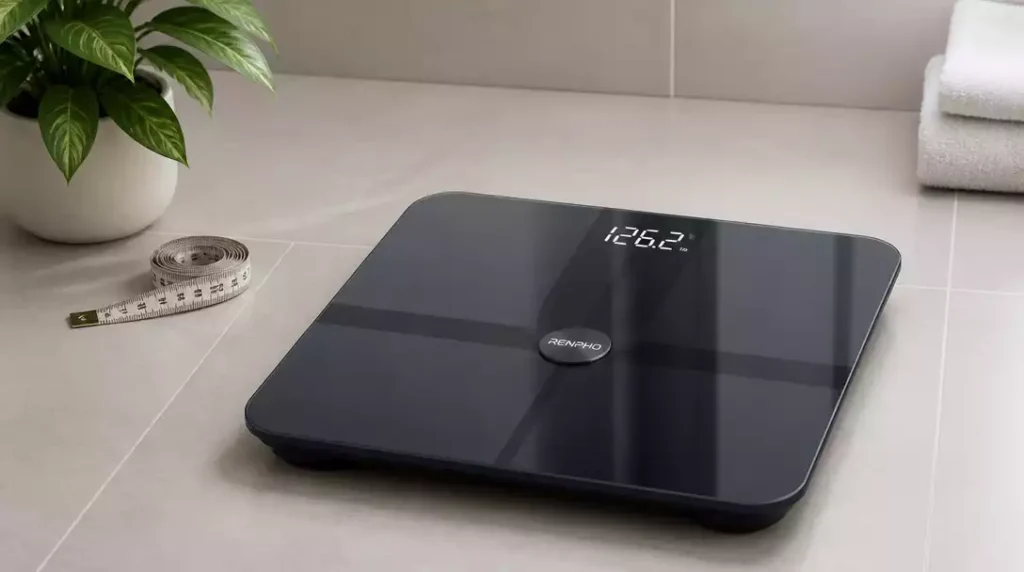
What if a simple reset could restore the accuracy of your scale and enhance your weight management journey? In today’s tech-driven health landscape, knowing when and how to reset your Renpho scale can significantly impact your experience. Let’s dive into the key takeaways!
What You Will Learn
- Understand the common scenarios that necessitate a reset of your Renpho scale.
- Identify signs that indicate your scale may need calibration or a reset.
- Discover how to troubleshoot Bluetooth connectivity issues related to your scale.
- Learn the step-by-step process to reset and calibrate both battery-powered and rechargeable models.
- Utilize the Renpho App to effectively track your weight and health metrics.
The Need for a Renpho Scale Reset
There are several reasons why you might need to reset your Renpho scale. One common situation is moving the scale to a different location in your home. Changes in the environment can affect the scale’s performance. Additionally, if your readings seem inaccurate or if the device malfunctions, a reset can often resolve these issues.
Another reason to reset could be after a software update or app change. These updates can occasionally lead to connectivity or calibration problems that a simple reset can fix. It’s essential to keep your scale functioning optimally, so knowing when to reset is crucial! For more general information on troubleshooting scales, read our guide on how to fix a scale that is off.
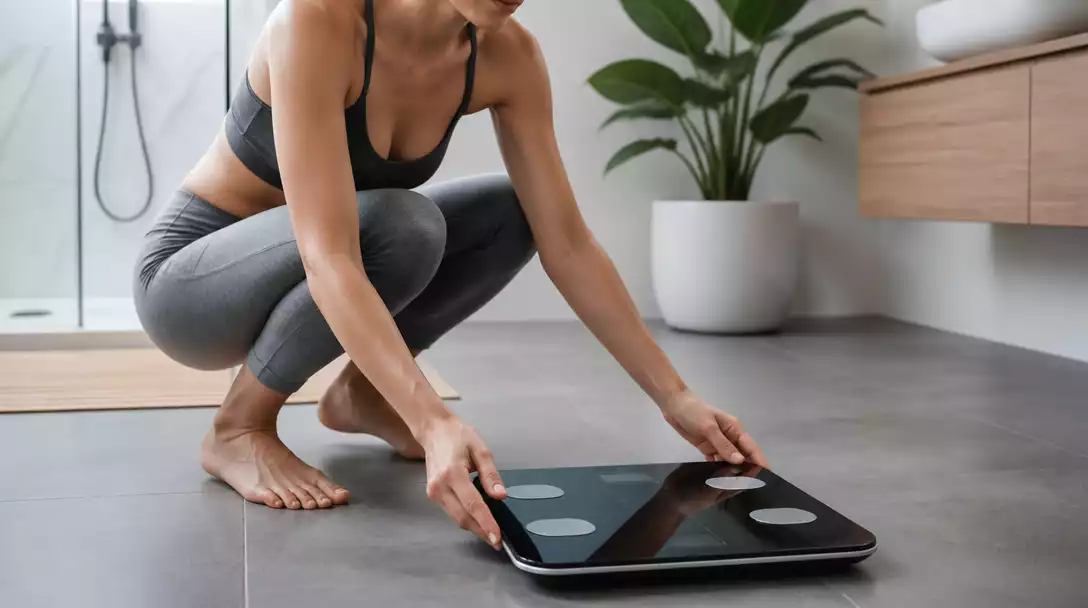
Why Would You Need to Reset Your Renpho Scale?
Here are some common reasons why you might consider resetting your Renpho scale:
- Relocation of the scale
- Inaccurate weight readings
- Device malfunctions
- App connectivity issues
If you notice your scale isn’t displaying the correct weight or isn’t responding as expected, it may be time to reset. This process can help restore the scale’s accuracy and functionality, ensuring you get reliable measurements each time!
Identifying Issues: When to Consider a Reset
There are specific symptoms that may indicate your Renpho scale needs a reset. If the readings do not show 0.00 when the scale is on a flat surface, or if the weight measurements are irregular, it’s a sign something is off. Additionally, connection issues with the associated app can also prompt a reset.
It’s essential to monitor these signs closely. Regular checks can save you time and frustration down the line, making your weight management journey smoother!
Common Bluetooth Connectivity Issues with Renpho Scales
Bluetooth connectivity problems are another reason to reset your Renpho scale. Issues like pairing failures often arise from interference or compatibility problems with your device. If you’re experiencing consistent disconnections or failure to sync, a reset might be exactly what you need.
- Interference from other Bluetooth devices
- Smartphone compatibility issues
- Obstructions between the scale and your device
By addressing these common pitfalls, you can enhance your experience with the Renpho scale and ensure a seamless connection every time you weigh in! Learn more about how to connect a smart scale effectively by visiting our article on how to connect a smart scale.
Pro Tip
Did you know? Regularly checking your Renpho scale for accuracy can save you time and help maintain your weight management goals. If you find it consistently displaying incorrect readings, consider not only a reset but also recalibrating it every few months to ensure optimal performance!
Summarizing the Reset Process for Your Renpho Scale
Resetting your Renpho scale is a straightforward process that can breathe new life into your device. Whether you own a battery-powered or a rechargeable model, the steps are easy to follow. Here’s a quick recap of what you need to do:
- For battery-powered models, ensure you remove the battery for a few seconds before reinserting it.
- Rechargeable models require you to press the reset button. Make sure to refer to your specific model’s manual for exact placement.
- Following the reset, calibrate your scale by placing it on a flat surface and checking for a display of CAL 0.00.
By emphasizing the calibration process, you ensure that your scale functions accurately once again. Taking these steps not only helps in maintaining the device but also enhances your overall weight management. For a broader understanding of scale resets, check out our guide on how to reset a scale.
Frequently Asked Questions About Renpho Scale Resets
- Q: Why would I need to reset my Renpho scale?
- A: You might need to reset your Renpho scale if you move it to a different location, experience inaccurate readings, encounter device malfunctions, or face app connectivity issues.
- Q: How do I know if my Renpho scale needs a reset or calibration?
- A: Signs that your scale may need a reset include readings not showing 0.00 on a flat surface, irregular weight measurements, or consistent connection problems with the Renpho app.
- Q: What are common Bluetooth connectivity issues with Renpho scales?
- A: Common Bluetooth issues include pairing failures, consistent disconnections, or failure to sync due to interference from other Bluetooth devices, smartphone compatibility issues, or obstructions between the scale and your device.
- Q: How do I reset a battery-powered Renpho scale?
- A: For battery-powered models, remove the battery for a few seconds, then reinsert it. Afterward, calibrate the scale by placing it on a flat surface and waiting for it to display CAL 0.00.
- Q: How do I reset a rechargeable Renpho scale?
- A: For rechargeable models, locate and press the reset button. Refer to your specific model’s manual for the exact placement of this button. After resetting, calibrate the scale as described above.
- Q: How does the Renpho App enhance weight management?
- A: The Renpho App automatically syncs your weight and health metrics, allows you to track your weight history, and provides insights into body fat percentage, BMI, and other vital statistics to help you monitor your progress and make informed health decisions.
Exploring the Renpho App for Enhanced Weight Management
The Renpho App is a powerful tool that complements your scale and helps you stay on track with your health goals. With this app, you can sync your measurements and access a wealth of data, making it easier to monitor your progress. Here are a few ways the app enhances your experience:
- Data Sync: Automatically sync your weight and health metrics from your scale to your smartphone.
- Measurement History: Track your weight history over time to identify trends and stay motivated.
- Health Metrics Analysis: Gain insights into your body fat percentage, BMI, and other vital statistics, helping you make informed decisions about your health.
Using the Renpho App empowers you to take charge of your health journey. I love how it allows me to see my progress at a glance and adjust my routines accordingly!
Encouraging User Engagement and Feedback
I’d love to hear your experiences with resetting your Renpho scales! Have you come across any unique tips or tricks that made the process smoother? Sharing your insights helps others in our community and fosters a collaborative spirit.
If you have any lingering questions or need further assistance, don’t hesitate to reach out! I’m here to help guide you through any troubleshooting processes or provide support with your devices.
Recap of Key Points
Here is a quick recap of the important points discussed in the article:
- Reset your Renpho scale when relocating it, experiencing inaccurate readings, or facing device malfunctions.
- Monitor signs like irregular weight measurements or connection issues with the app to determine if a reset is needed.
- Address common Bluetooth connectivity issues by resetting your scale, especially when facing pairing failures.
- Follow the specific reset process for your model: remove the battery for battery-powered models or press the reset button for rechargeable ones.
- Utilize the Renpho App to sync data, track weight history, and gain insights into your health metrics.





