
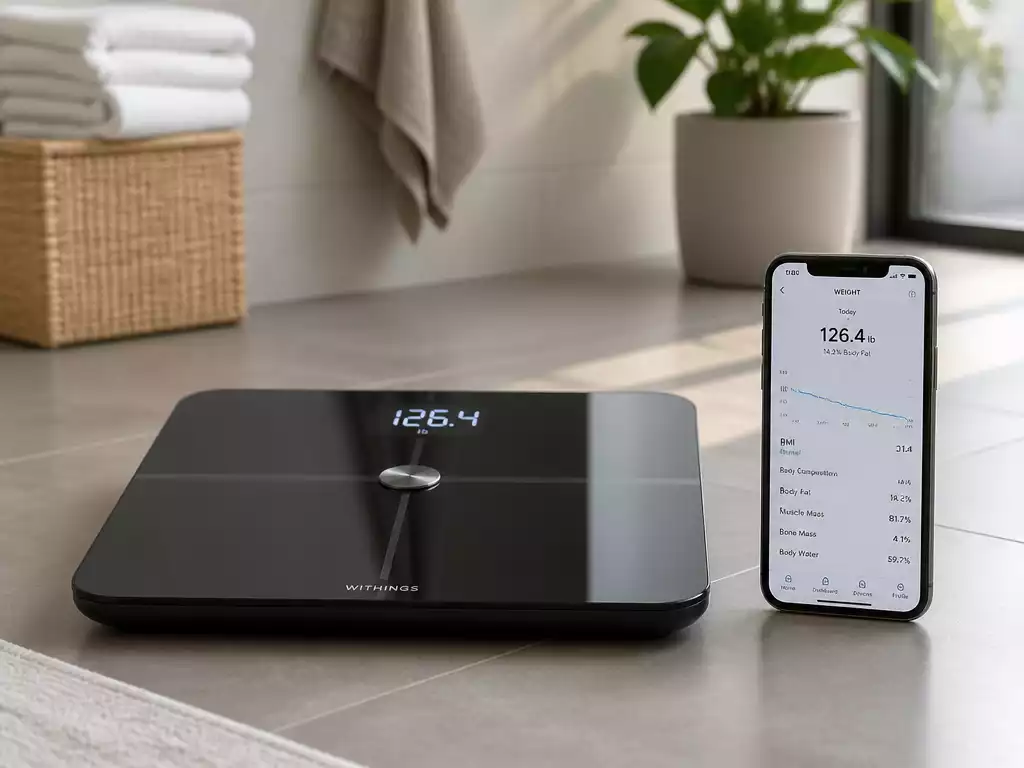
Have you ever wondered how a simple scale can transform your approach to health and fitness? With smart scales becoming increasingly popular, understanding their features and connectivity options is essential for maximizing their benefits.
What You Will Learn
- Smart scales track not just weight but also body composition metrics like body fat percentage and muscle mass.
- Connectivity options such as Bluetooth and Wi-Fi each offer unique advantages for data syncing and sharing.
- Understanding how to interpret your scale’s readings is crucial for making informed health decisions.
- Regular maintenance and updated software can prevent connectivity issues, ensuring accurate health readings.
Smart Scales and Their Connectivity Options
A smart scale is more than just a device to measure your weight. It’s a modern tool designed to help you track your health metrics over time, providing insights that go beyond the number on the scale. With the rise of health-focused technology, smart scales can provide various measurements, such as body fat percentage, muscle mass, and hydration levels, all of which can be easily accessed through your smartphone.
These devices typically sync with apps on your smartphone, allowing you to monitor your progress and set health goals. The connectivity options available in smart scales are critical, as they determine how easily you can access and interpret your health data.
What is a Smart Scale?
A smart scale is a digital scale that connects to your smartphone or other devices via Bluetooth or Wi-Fi. This connectivity allows for real-time data syncing and tracking of various health metrics. Unlike traditional scales, smart scales provide a deeper understanding of your body composition and health trends. They are ideal for anyone looking to maintain or improve their fitness journey!
- Tracks weight and body composition metrics
- Syncs data seamlessly with health apps
- Enables personalized insights and progress tracking
Smart scales can be a valuable tool in your health arsenal, offering detailed insights that can motivate you to stay on track with your fitness goals. Many users, including myself, find that the data helps reinforce healthy habits! To learn more about how these devices can transform your health tracking, explore innovative ways smart scales are changing health tracking.
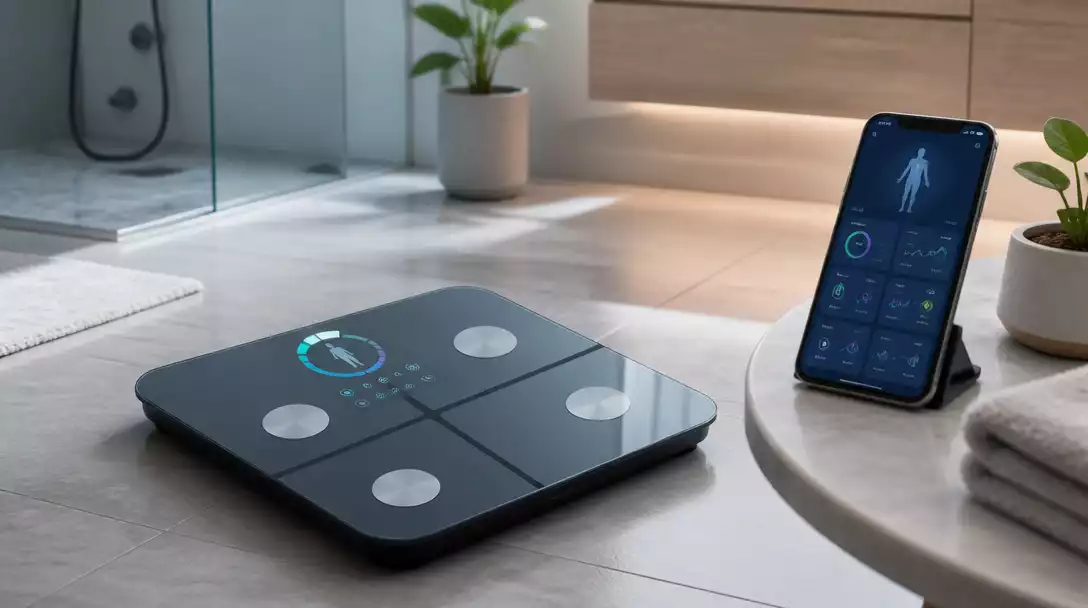
Common Connectivity Types: Bluetooth vs. Wi-Fi
When choosing a smart scale, understanding the connectivity options is crucial. The two primary types are Bluetooth and Wi-Fi. Bluetooth smart scales connect directly to your phone, allowing for quick access to your metrics without needing an internet connection. However, these may have limitations in terms of data sharing with multiple devices.
- Bluetooth: Best for quick, personal use and easy syncing
- Wi-Fi: Ideal for sharing data across multiple devices and accessing your health data remotely
Both connectivity types have their advantages, depending on your personal preferences and how you intend to use your smart scale. I personally prefer Wi-Fi for its ability to sync without needing to have my phone nearby! For a deeper dive into the technical aspects, you might want to read about troubleshooting smart scale connectivity issues.
Exploring Smart Scale Features and Health Metrics
Smart scales come with various features that enhance their usability. Beyond measuring weight, they often include metrics such as body fat percentage, muscle mass, and bone density. Some scales even provide hydration levels, giving you a comprehensive overview of your body composition.
- Body Fat Percentage
- Muscle Mass
- Bone Density
- Hydration Levels
These features can help you make informed decisions about your health and fitness routine. By focusing on these metrics, you can tailor your diet and exercise plans to better suit your needs. It’s exciting to see such detailed information right at your fingertips!
Pro Tip
To maximize the benefits of your smart scale, consider setting specific health goals based on your readings. For example, if you notice a plateau in muscle mass, adjust your workout routine or dietary intake accordingly. Regularly reviewing and adapting your goals can lead to more significant progress over time!
Summarizing Your Smart Scale Connection Journey
Now that you’ve gone through the process of connecting your smart scale, it’s time to summarize the key steps that will help you maintain a successful connection. Whether you’re just starting or troubleshooting issues, these steps should serve as a handy reference!
- Ensure your batteries are charged and properly installed.
- Set up your scale on a flat surface for accurate measurements.
- Download the correct app for your smart scale on your smartphone.
- Enable Bluetooth or Wi-Fi settings on your phone as required.
- Pair your scale with the app and confirm the connection.
- Sync your data with health apps like Apple Health or Google Fit.
Following these steps will not only help you successfully connect your scale but also ensure you get the most accurate health readings possible. Remember, consistency is key!
Final Tips for Maintaining Connectivity
To keep your connection running smoothly, here are some final tips. It’s important to regularly check for firmware updates for your scale and to maintain a strong connection by keeping your phone and scale close together.
- Keep the app updated for the latest features and fixes.
- Regularly check and replace the batteries as needed.
- Ensure your smartphone’s software is up-to-date.
- Keep your scale clean and free from obstructions.
By following these tips, you can avoid connectivity issues and enjoy the full range of benefits that your smart scale offers! For more advice on keeping your scale in top condition, check out our guide on maintaining your smart scale for longevity.
Engaging with Your Smart Scale: Next Steps
Understanding Your Readings and Data Interpretation
Once you have your smart scale connected, it’s time to dive into the data it provides! Understanding your readings is crucial to making informed health decisions. Your scale will typically measure weight, body fat percentage, muscle mass, and more.
- Weight: A straightforward measure; keep track of changes over time.
- Body Fat Percentage: Helps you gauge your overall health.
- Muscle Mass: Important for fitness goals and tracking progress.
- Water Percentage: Indicates hydration levels.
Make sure to regularly review your data and engage with the insights provided. This will help you stay motivated and aware of your health journey!
Frequently Asked Questions About Smart Scale Connectivity
Here are some frequently asked questions to help you better understand and utilize your smart scale.
Q: What are the key differences between Bluetooth and Wi-Fi smart scales?
A: Bluetooth smart scales connect directly to your smartphone for quick data syncing and are ideal for personal use. Wi-Fi smart scales, on the other hand, can sync data across multiple devices and allow remote access to your health data without needing your phone nearby, offering greater flexibility for household use.
Q: How accurate are the body composition readings on smart scales?
A: Smart scales provide good estimates of body composition metrics like body fat percentage and muscle mass. However, several factors can influence accuracy, including hydration levels, time of day, and proper scale placement. For clinical-grade accuracy, specialized medical devices are typically used, but for consistent tracking and trend analysis, smart scales are highly effective.
Q: Can multiple users track their data on a single smart scale?
A: Yes, most smart scales support multiple user profiles. When different users step on the scale, it often recognizes them based on their weight and other metrics, automatically syncing the data to their respective profiles in the companion app. This makes smart scales convenient for families or shared living spaces.
Q: What should I do if my smart scale isn’t syncing data with my app?
A: First, ensure your Bluetooth or Wi-Fi is enabled and that your scale is within range of your phone or router. Check that the scale’s batteries are charged, and the app is updated to its latest version. If issues persist, try re-pairing the scale with the app or resetting the scale according to the manufacturer’s instructions.
Q: Is it necessary to connect my smart scale to other health apps like Apple Health or Google Fit?
A: While not strictly necessary, integrating your smart scale data with other health apps can provide a more comprehensive view of your overall health. These platforms can combine your scale data with information from other fitness trackers and health apps, giving you deeper insights into your activity, nutrition, and sleep patterns alongside your body composition.
Why Won’t My Smart Scale Connect?
If your smart scale isn’t connecting, check the following:
- Ensure Bluetooth or Wi-Fi is enabled on your phone.
- Confirm the app is installed and updated.
- Make sure the scale is powered on and positioned correctly.
How Do I Reset My Smart Scale?
To reset your smart scale, follow these steps:
- Remove the batteries and wait for about a minute.
- Reinsert the batteries carefully.
- Follow the manufacturer’s instructions to enter setup mode.
How Does Data Sharing Work with Smart Scales?
Data sharing allows your smart scale to sync readings with apps like Apple Health or Google Fit, providing a more comprehensive view of your health. This integration makes it easier to track progress and set goals.
What are the Benefits of Integrating with a Virtual Personal Trainer?
Integrating your smart scale with a virtual personal trainer can significantly enhance your health journey. You gain:
- Personalized feedback based on your data.
- Guidance on how to achieve your fitness goals.
- Motivation and accountability through regular check-ins.
By combining technology with personal guidance, you can make the most out of your smart scale experience!
Recap of Key Points
Here is a quick recap of the important points discussed in the article:
- Smart scales track various health metrics, including weight, body fat percentage, muscle mass, and hydration levels.
- Connectivity options such as Bluetooth offer quick syncing, while Wi-Fi allows for sharing data across multiple devices.
- Ensure proper setup by charging batteries, using a flat surface, and downloading the correct app for smooth operation.
- Regularly check for firmware updates and keep your devices close to maintain connectivity.
- Engage with your health data to stay motivated and informed about your fitness journey.





