
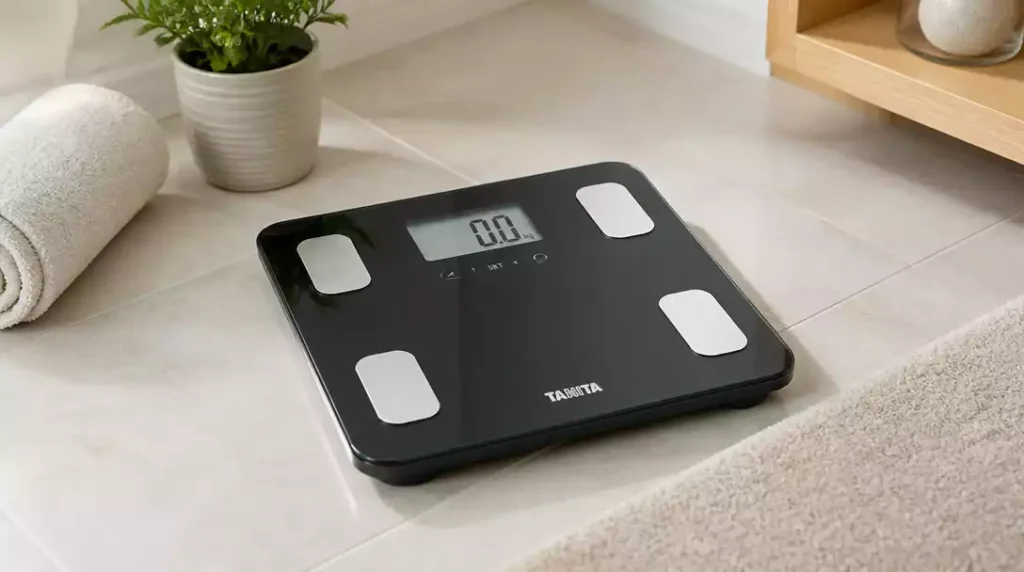
Setting your Tanita scale correctly is essential for tracking your health metrics accurately. Follow these insights to make the most out of your setup!
What You Will Learn
- Proper scale setup ensures accurate body fat and BMI measurements.
- Understanding key features like body composition analysis and Bluetooth connectivity enhances your tracking experience.
- Choosing a hard, flat surface for your scale is crucial for reliable readings.
- Creating a user profile in the MyTANITA app allows for personalized and tracked health metrics.
- Regular calibration and maintenance can prolong the lifespan and accuracy of your Tanita scale.
Getting Started With Your Tanita Scale Setup
Setting up your Tanita scale can feel overwhelming, but it’s essential for getting accurate and reliable readings. Taking the time to understand how to properly set up your scale will make your health journey smoother and more effective. We want to ensure that you get the most out of your Tanita scale right from the start!
One of the first things to remember is that proper scale setup is crucial for tracking changes in your body composition accurately. With the right setup, you can take control of your health metrics and make informed decisions about your wellness journey!
Importance of Proper Scale Setup
Having your Tanita scale set up correctly can significantly impact the readings you receive. An improper setup can lead to inaccurate body composition measurements, which may mislead your health and fitness goals. Therefore, following the setup recommendations is vital.
- Ensures accurate body fat measurements
- Provides reliable BMI readings
- Helps track progress effectively over time
By ensuring everything is in its right place, you’ll have peace of mind knowing your readings reflect your actual body metrics. Plus, it keeps you motivated to stay on track with your health goals! For more general tips on accurate measurements, you might find our guide on how to read ounces on a digital scale helpful.
Key Features of Tanita Scales You Should Know
Tanita scales come loaded with features that can enhance your health tracking experience. Familiarizing yourself with these features can help you make the most of your scale! Here are some key aspects to consider:
- Body Composition Analysis: Get insights into body fat percentage, muscle mass, and more.
- Bluetooth Connectivity: Sync your data with the MyTANITA app for easy tracking.
- User Profiles: Multiple profiles allow family members to track their data separately.
Knowing what these features do will help you utilize your scale effectively and help you understand the metrics you’re tracking!
Exploring Health Metrics: Body Composition, BMI, and More
One standout feature of Tanita scales is their ability to provide detailed health metrics. Each metric offers unique insights into your overall health.
- Body Composition: Understand the percentage of fat vs. muscle in your body.
- BMI: Get a quick overview of your weight status relative to height.
- Metabolic Age: A fun way to see how your body’s composition relates to your biological age.
These metrics can illuminate areas to focus on in your fitness journey. Trust me; they’re worth paying attention to as you work towards your wellness goals!
Essential Steps for Setting Up Your Tanita Scale
Now that we’ve covered the importance of scale setup and key features, let’s dive into how to set up your Tanita scale effectively. Following these steps will help you get accurate readings and make the most of your scale.
Setting up may seem tedious, but it’s really quite simple! With this straightforward guide, you’ll have your Tanita scale up and running in no time.
Preparing the Location: Choosing the Right Surface
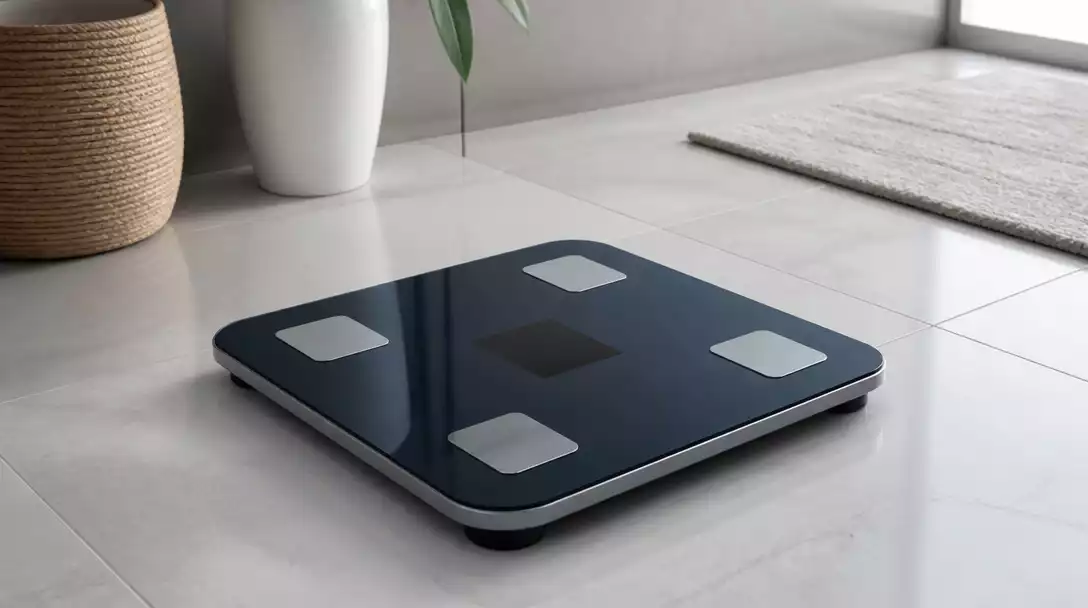
The surface on which you place your scale is a big deal! To ensure accurate measurements, it’s crucial to choose a hard, flat surface for your Tanita scale. Here’s why:
- Provides stability and reduces movement during measurement
- Prevents any vibrations that might affect accuracy
- Ensures that the scale’s sensors can operate correctly
By placing your scale on a suitable surface, you’re setting the stage for accurate and consistent readings. It’s a small step that makes a big difference!
Why a Hard, Flat Surface Matters for Accurate Readings
Using a hard, flat surface helps calibrate the scale correctly. Uneven or soft surfaces like carpets can lead to fluctuations in your readings, which isn’t what you want!
It’s best to place the scale on a tiled bathroom floor or a hardwood surface. This simple choice will ensure that you trust the numbers you see every time you step on your Tanita scale.
Powering On: Turning Your Tanita Scale On
Once your scale is on a stable surface, it’s time to power it on. This step is quick and easy! Just press the power button, and you’re almost there.
After powering on, be prepared to wait a moment as the scale stabilizes. It’s important to let it settle before stepping on it to ensure accurate readings.
Waiting for Stabilization: What to Expect
During stabilization, you may see the display flicker or show a brief message. Just hang tight for a few moments! Once it’s stable, you’ll be ready to take your measurement.
Patience is key here—this brief wait ensures the accuracy of your readings. Trust me; it’s worth it!
Creating a User Profile: Pairing with the MyTANITA App
Creating a user profile is an essential step in maximizing the functionality of your Tanita scale. By pairing your scale with the MyTANITA app, you can track your health metrics over time.
- Download the MyTANITA app from your app store.
- Follow the app’s prompts to create your user profile.
- Sync your scale with your smartphone via Bluetooth.
Setting this up allows you to access your data conveniently, making tracking your progress a breeze!
How to Connect Your Scale to the App for Enhanced Functionality
Once the app is downloaded, open it and follow the on-screen instructions to connect your Tanita scale. This process typically involves stepping on the scale so it can recognize your profile.
After setting up, you can easily sync your data and monitor your health metrics at any time. It’s a fantastic way to stay engaged with your wellness!
Steps for Inputting Your Personal Data Number
Inputting your personal data number is crucial for accurate readings. This number can include height, age, and gender, which help the scale provide tailored metrics.
- Open the MyTANITA app and navigate to your profile.
- Follow the prompts to input the necessary information.
- Save your profile to finalize the setup.
With this info, your Tanita scale can offer more precise feedback tailored to your body!
Benefits of Multi-User Functionality for Families
If you have family members who also want to use the scale, the Tanita scale’s multi-user functionality comes in handy. Each person can create their own profile, allowing everyone to track their individual metrics.
This feature promotes a supportive environment where family members can motivate and inspire one another on their health journeys! It’s a great way to foster healthy habits together. For issues with other scale types, consider our article on how to fix a bathroom scale.
Pro Tip
Did you know? Regularly calibrating your Tanita scale can significantly improve its accuracy. To keep your readings precise, consider calibrating your scale at least once every few months, or whenever you move it to a different location. This simple step ensures that you’re always getting the most reliable data for your health journey!
Frequently Asked Questions About Tanita Scale Setup
Here are some common questions regarding setting up and using your Tanita scale:
- Q: Why is proper scale setup important for accurate readings?
- A: Proper setup ensures that the scale’s sensors function correctly, providing accurate body fat, BMI, and other body composition measurements, which are crucial for effective health tracking.
- Q: What features should I be aware of on my Tanita scale?
- A: Key features include Body Composition Analysis (body fat, muscle mass), Bluetooth Connectivity for app synchronization, and Multi-User Profiles for individual tracking among family members.
- Q: What is the best surface for placing my Tanita scale?
- A: A hard, flat surface like a tiled bathroom floor or hardwood is ideal. This ensures stability, reduces vibrations, and allows the sensors to operate correctly, leading to accurate and consistent readings.
- Q: How do I connect my Tanita scale to the MyTANITA app?
- A: Download the MyTANITA app, create your user profile, and follow the in-app prompts to sync your scale via Bluetooth. This typically involves stepping on the scale so it can recognize your profile.
- Q: How often should I calibrate my Tanita scale?
- A: It’s recommended to calibrate your Tanita scale at least once every few months, or whenever you move it to a different location, to maintain optimal accuracy.
Conclusion: Mastering Your Tanita Scale for Optimal Use
As we wrap up our guide on setting up your Tanita scale, it’s clear that following the right steps can enhance your experience and ensure accurate readings. Recall the importance of positioning your scale on a hard, flat surface, as well as the significance of creating a user profile through the MyTANITA app. These foundational steps lead to reliable health tracking!
Moreover, don’t forget to regularly calibrate your scale. Calibration is key to maintaining accuracy, and it’s something I recommend doing at least once every few months. By keeping these steps in mind, you’ll be well on your way to becoming a Tanita scale pro!
Next Steps: Ensuring Long-term Accuracy and Performance
Regular Maintenance Tips for Your Tanita Scale
To keep your Tanita scale performing at its best, regular maintenance is essential. Here are a few key tips I suggest:
- Ensure the scale is placed on an even surface to avoid inaccurate readings.
- Clean the scale regularly with a damp cloth to prevent dust buildup.
- Store it in a dry area away from moisture to protect its electronic components.
By adhering to these maintenance practices, you can prolong the lifespan of your Tanita scale and ensure it continues to deliver precise measurements. Remember, a well-maintained scale is a reliable scale! If you ever need to reset your scale, you can find useful instructions on how to reset a digital scale.
Engaging with the Community: Where to Find Additional Support
If you’re ever in doubt or looking for tips beyond this guide, connecting with the Tanita community can be incredibly helpful. I often find that customer reviews and recommendations can provide insights that enhance my understanding of the products. Here’s where you can engage:
- Visit online forums dedicated to health and fitness discussions.
- Follow Tanita’s social media channels for tips and updates.
- Check out customer feedback on popular retail sites to learn about others’ experiences.
Engaging with fellow users not only enriches your knowledge but also fosters a sense of community. Together, we can share experiences and help each other make the most of our Tanita scales!
Recap of Key Points
Here is a quick recap of the important points discussed in the article:
- Proper scale setup is crucial for accurate body composition measurements.
- Always place your Tanita scale on a hard, flat surface to ensure stability.
- Create a user profile in the MyTANITA app to track your health metrics over time.
- Regularly calibrate your scale to maintain accuracy; aim for at least once every few months.
- Engage with the Tanita community for support and additional tips.





