
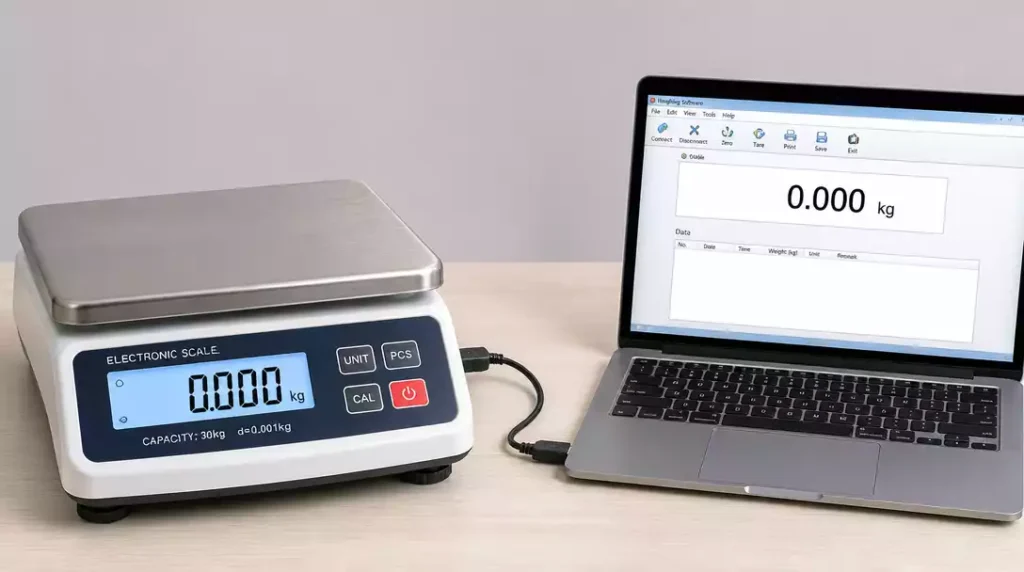
In today’s fast-paced environments, effective weight management is not just about accurate measurements; it’s about leveraging technology to streamline operations. Understanding how to connect your weighing scale to a computer can significantly enhance your data management capabilities.
What You Will Learn
- The importance of connecting your weighing scale to a computer for improved accuracy and efficiency.
- Different connection methods available, including USB, RS-232, Ethernet, and Wi-Fi, each suited for specific needs.
- Benefits of Bluetooth connectivity, especially in mobile or space-constrained environments.
- Key security measures to protect data when using Ethernet and Wi-Fi connections.
- Effective data management techniques, including automated data logging and real-time monitoring, to optimize operations.
Basics of Weighing Scale Connections
Connecting your weighing scale to your computer can transform the way you manage and analyze weight data. This connection allows for efficient data transfer and can save time in your daily operations. Whether you’re in retail, a laboratory, or an industrial setting, understanding these connections is essential for effective weight management!
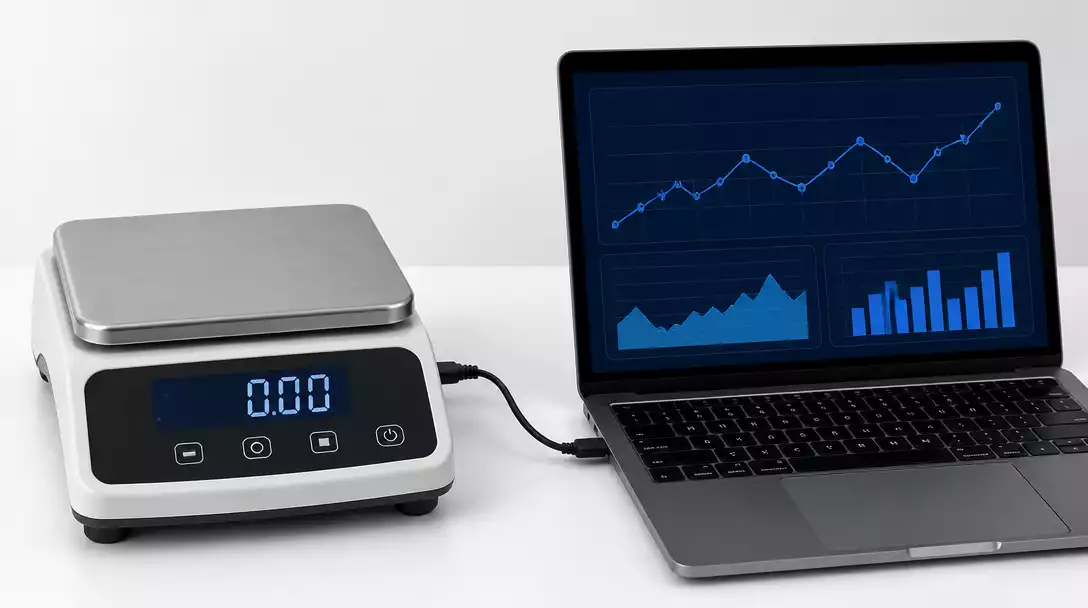
In this guide, I’ll break down the importance of connecting your weighing scale to your computer and give you an overview of various connection methods available. This way, you can make informed choices tailored to your needs.
Why Connecting a Weighing Scale to Your Computer is Important
Having your weighing scale connected to a computer streamlines your workflow. It enables real-time data capture and processing, which is essential for businesses that rely on accurate weight measurements. Here are a few key reasons:
- Improved accuracy in tracking weights
- Real-time data exchange for quicker decision-making
- Ability to export data to various applications for analysis
When your scale is connected, you can also reduce the chance of human error that comes from manual data entry. With the right setup, every weight measurement is logged effortlessly! For more insights into how different scales operate, read our guide on how a scale works.
Overview of Connection Methods: USB, RS-232, Ethernet, and Wi-Fi
There are several connection methods you can use to link your weighing scale with your computer. Each method has its own advantages based on your specific needs:
- USB: Simple and direct, ideal for individual setups.
- RS-232: A classic method, great for older equipment.
- Ethernet: Perfect for larger setups needing network connectivity.
- Wi-Fi: Offers wireless convenience, freeing you from cable constraints.
Choosing the right connection method will depend on factors like the scale model you have, your workspace configuration, and how you plan to use the data collected.
Exploring Bluetooth Connectivity for Weighing Scales
Bluetooth connectivity is a modern solution that many scales now offer. This method allows you to connect wirelessly within a limited range, making it easy to transfer data without the hassle of cables. Bluetooth can be especially beneficial in environments where space is limited or mobility is key!
Here are some benefits of using Bluetooth:
- Wireless data transfer eliminates clutter
- Supports multiple devices simultaneously
- Convenient for mobile applications
Whether you’re moving around a busy warehouse or working at a lab bench, Bluetooth can enhance your efficiency and flexibility in managing weighing tasks!
Pro Tip
To maximize the benefits of your weighing scale connection, consider integrating your scale with dedicated software that can automate data logging and analysis. This not only minimizes human error but also allows for real-time insights that can significantly enhance operational efficiency.
Making the Most of Your Weighing Scale Connection
When it comes to using a weighing scale, the connection method you choose can significantly impact your operations. Whether you’re in retail, laboratory, or industrial settings, understanding how to utilize your scale effectively is crucial. Each environment has unique needs and benefits from specific connection methods.
For instance, a retail store may benefit from quick data transfer to a point-of-sale system, while a laboratory might need precise measurements logged for analysis. Here’s a look at various use cases:
- Retail: Instant weight updates linked to sales systems.
- Laboratories: High-precision weight monitoring for experiments.
- Industrial: Continuous monitoring of bulk material weights for production efficiency.
By identifying your environment’s specific requirements, you can make informed decisions about the best connection method for your weighing scale. For smart scale users, understanding how to connect a smart scale is also paramount for seamless data integration.
Security Considerations for Ethernet and Wi-Fi Connections
Using Ethernet or Wi-Fi connections for your weighing scale provides incredible convenience, but security should always be a top priority. Protecting sensitive data is crucial in any business, especially in environments handling confidential information.
Here are some essential security measures to consider:
- Use strong passwords for your Wi-Fi networks.
- Regularly update your scale’s firmware to patch security vulnerabilities.
- Implement a firewall to protect against unauthorized access.
- Monitor network traffic for any unusual activity.
Implementing these measures can help ensure that your data remains secure while maintaining the convenience of wireless connections.
Exploring Data Logging and Weighing Data Management Techniques
Data logging is an essential part of managing your weighing scale effectively. By capturing and analyzing weight data, you can gain insights that improve your operations and maintain compliance. There are several techniques to do this effectively:
- Automated Data Logging: Integrate software that automatically records weight data to reduce manual entry errors.
- Real-Time Monitoring: Use software to visualize weight changes instantly, which can be critical for quality control.
- Historical Data Analysis: Store past weight data to identify trends and make informed decisions.
Employing these data management techniques allows you to leverage your weighing scale to its fullest potential, improving accuracy and efficiency in your operations. For those interested in advanced data analysis, exploring how a ratio scale works can provide additional context on data interpretation.
Frequently Asked Questions (FAQs)
Here are some common questions about connecting weighing scales to computers:
- Q1: Why should I connect my weighing scale to a computer?
- A1: Connecting your weighing scale to a computer streamlines workflows, improves accuracy by reducing manual data entry errors, enables real-time data capture, and allows for efficient data analysis and export.
- Q2: What are the primary methods for connecting a weighing scale to a computer?
- A2: The main connection methods include USB for direct individual setups, RS-232 for older equipment, Ethernet for network connectivity in larger setups, and Wi-Fi or Bluetooth for wireless convenience and mobility.
- Q3: What are the benefits of using Bluetooth for scale connectivity?
- A3: Bluetooth offers wireless data transfer, eliminating cable clutter, supporting multiple devices simultaneously, and providing convenience for mobile applications or in space-constrained environments.
- Q4: What security measures should I consider for Ethernet and Wi-Fi connections?
- A4: Essential security measures include using strong Wi-Fi passwords, regularly updating the scale’s firmware, implementing firewalls, and monitoring network traffic to protect sensitive data from unauthorized access.
- Q5: How can data logging improve my weighing scale operations?
- A5: Data logging, through automated recording, real-time monitoring, and historical data analysis, enhances operational efficiency, minimizes human error, helps identify trends, and provides insights for informed decision-making.
Recap of Key Points
Here is a quick recap of the important points discussed in the article:
- Connecting your weighing scale to a computer streamlines workflows and reduces human error in data entry.
- Various connection methods include USB, RS-232, Ethernet, Wi-Fi, and Bluetooth, each with unique advantages.
- Consider your specific environment—retail, laboratory, or industrial—when selecting the best connection method.
- Security measures are crucial when using Ethernet or Wi-Fi connections; strong passwords and regular firmware updates are recommended.
- Employ data logging techniques such as automated data capture and historical data analysis to enhance operational efficiency.





