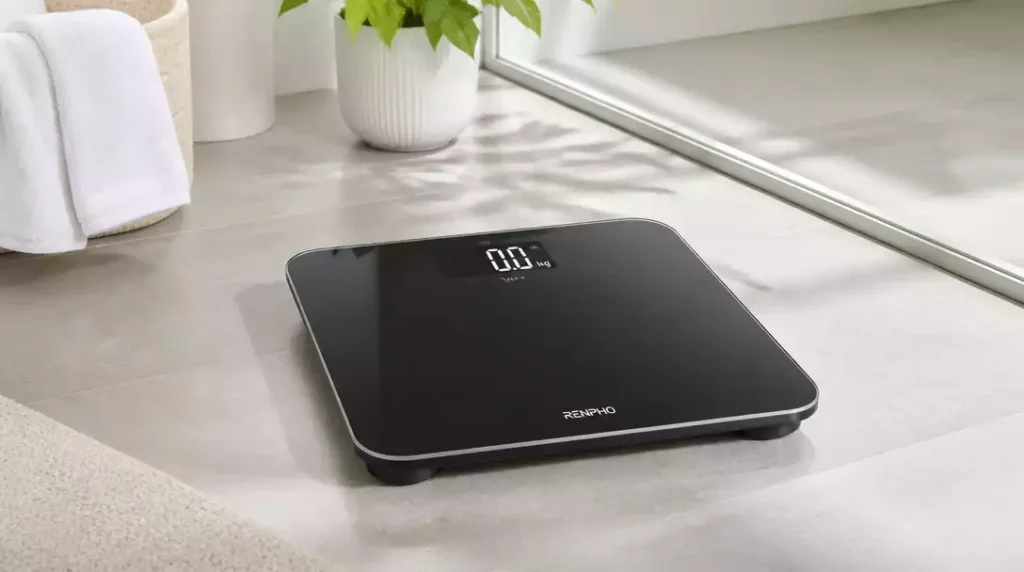
Regular updates to your smart scale’s firmware can significantly enhance its performance and accuracy. As you embark on your health journey, understanding the importance of these updates will empower you to maximize the functionality of your device.
What You Will Learn
- Firmware updates are essential for the optimal performance of your smart scale.
- Regular updates improve accuracy, reliability, and introduce new features.
- Proper firmware ensures effective communication with health apps, enhancing data tracking.
- A well-maintained smart scale can significantly support your weight management journey.
- Simple checklists can streamline the update process, making it more efficient.
- Maintaining your scale, including cleanliness and placement, is crucial for consistent results.
Smart Scale Updates: Why They Matter
Smart scales have become essential tools for tracking our health and wellness journeys. But let’s face it, many of us overlook an important aspect: firmware updates. Keeping your smart scale updated is crucial for ensuring it functions at its best and provides you with the most accurate data possible!
When we think about smart scales, we often focus on their sleek designs and accuracy. However, the firmware is what powers these devices, enabling them to function correctly and sync with our health apps. Understanding this is the first step towards maximizing the use of your smart scale. If you’re new to smart scales, you might find our guide on how to set up a smart scale particularly helpful.
What is a Smart Scale and its Firmware?
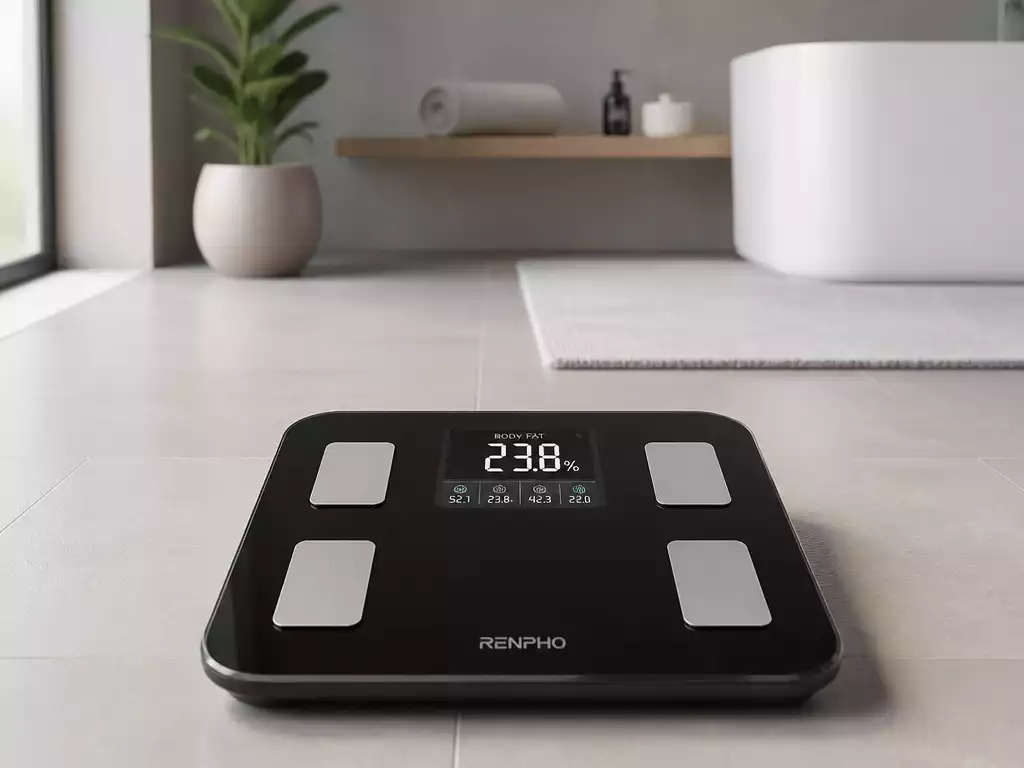
A smart scale is much more than just a device for measuring weight. It provides a wealth of data, from body fat percentage to muscle mass. The firmware is the software embedded in the scale that controls its operations. Think of it as the brain of the scale, ensuring it communicates effectively with your smartphone or other connected devices!
- Tracks weight and body composition
- Syncs data with health apps
- Offers user profiles for multiple users
Without proper firmware, your smart scale could miss out on these features, leading to inaccurate readings or connection issues. That’s why understanding what firmware is and how it works is vital for every smart scale user!
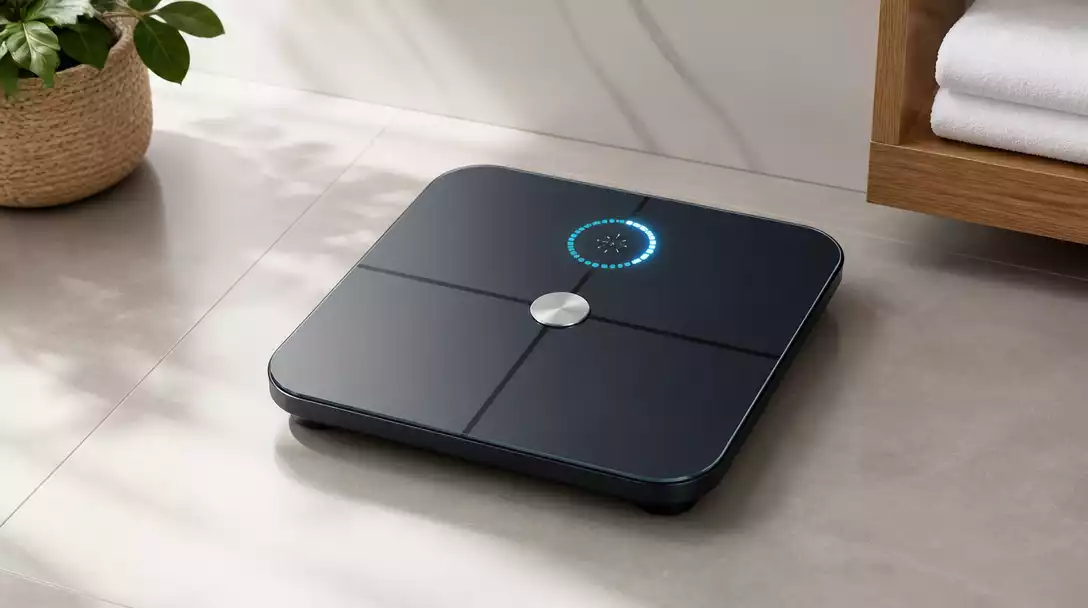
The Importance of Keeping Your Smart Scale Updated
Updating your smart scale’s firmware may seem like a hassle, but trust me, it’s worth it! Regular updates not only improve functionality but also fix any bugs that might affect your scale’s performance. Imagine missing out on the latest features simply because you didn’t hit that update button!
- Enhances accuracy and reliability
- Introduces new features
- Fixes known bugs and glitches
By keeping your smart scale updated, you ensure that you receive the best possible experience and the most accurate data on your health metrics. It’s an easy way to take charge of your health journey! For example, some updates might improve how your scale measures body fat, giving you more precise insights.
How Firmware Updates Enhance Weight Tracking and Health Metrics
Firmware updates can significantly improve how your smart scale tracks weight and health metrics. These enhancements might include better algorithms for calculating body composition or improved connectivity with your health apps. A simple update could mean the difference between an average experience and a streamlined, effective one!
- More accurate body composition analysis
- Improved syncing with mobile apps
- Enhanced user interface for easier navigation
In my experience, keeping my smart scale updated has provided me with insights that I might have otherwise missed. It helps me understand my body better and stay motivated on my weight management journey. Always remember: a well-maintained smart scale is a valuable ally in achieving your health goals!
Pro Tip
To ensure you never miss an important firmware update, enable notifications for your smart scale’s companion app. This way, you’ll receive timely alerts about new updates, keeping your device running smoothly and efficiently!
Frequently Asked Questions About Smart Scale Updates
- Q: Why are firmware updates important for my smart scale?
- A: Firmware updates are crucial because they enhance accuracy and reliability, introduce new features, and fix bugs or glitches that might affect your scale’s performance. This ensures you get the most precise data for your health tracking.
- Q: What is smart scale firmware?
- A: Firmware is the embedded software that controls your smart scale’s operations. It’s essentially the “brain” of the device, enabling it to track your weight and body composition, sync data with health apps, and communicate with other connected devices.
- Q: How do firmware updates improve weight tracking?
- A: Updates can introduce better algorithms for calculating body composition, improve connectivity with mobile health apps, and enhance the user interface, leading to more accurate data and a more streamlined tracking experience.
- Q: How often should I check for smart scale updates?
- A: While there’s no fixed schedule, it’s a good practice to enable notifications for your scale’s companion app. This way, you’ll be alerted as soon as new updates are available, ensuring your device is always running the latest version.
- Q: What should I do if an update encounters issues?
- A: If you encounter issues during an update, try restarting your smart scale and ensuring it’s fully charged and connected to Wi-Fi or Bluetooth. You can also refer to the quick checklist provided in the article or contact customer support for further assistance.
Summary of Smart Scale Updates: Key Takeaways
As we wrap up our discussion on smart scale updates, it’s clear that keeping your device up to date is vital for optimal performance. Regular updates not only enhance accuracy but also introduce new features that can help you manage your health better. Here’s a quick summary of what you should remember about the update process!
Reviewing the Update Process: A Quick Checklist
- Ensure your smart scale is fully charged and connected to Wi-Fi or Bluetooth.
- Open the companion app on your mobile device.
- Locate the firmware update option in the app.
- Follow the prompts to initiate the update process.
- Restart your smart scale if you encounter issues.
By keeping this checklist handy, you can streamline the update experience. I often refer back to it when updating my own smart scale, and it really saves time! Remember, a smooth update will keep your device running at its best. If you ever need to reset your scale, it’s a good idea to check for updates afterward.
Final Thoughts on Maintaining Your Smart Scale
Maintaining your smart scale is just as crucial as updating it. From regular cleaning to ensuring it is placed on a flat surface, these simple steps can make a huge difference in performance. I personally make it a point to check my scale’s placement and cleanliness every week!
Additionally, it’s important to stay in tune with the latest updates from the manufacturer. Following their recommendations can help prolong your device’s lifespan and ensure it functions optimally. Regular maintenance means your smart scale will be ready to support your health journey every step of the way!
The Role of Health Apps in Data Sync and Weight Management
Health apps play a significant role in how we track our progress. When your smart scale syncs with these apps, you get a comprehensive view of your fitness journey. I love how easily I can monitor my weight trends over time through my app, providing motivation to stay on track.
These apps not only allow you to visualize your data but also assist in setting goals and reminders. Make sure to explore the features offered by the health app that pairs with your smart scale – they might just have tools that fit your weight management needs perfectly!
Engage with Us: Share Your Smart Scale Update Experience
We Want to Hear from You! Your Tips and Tricks
Your experiences with smart scale updates can be incredibly valuable to others. Have you discovered any quick tips or tricks that made the process easier? Share them with us! We love hearing from our community and learning together.
Contact Us for Further Assistance
If you have any questions or need help with your smart scale, don’t hesitate to reach out. We’re here to help! Whether it’s a technical issue or just a question about best practices, we’re just a message away.
Recap of Key Points
Here is a quick recap of the important points discussed in the article:
- Regular firmware updates are essential for maintaining the accuracy and reliability of your smart scale.
- Updates can enhance functionality, introduce new features, and fix bugs that may affect performance.
- Keeping your smart scale updated ensures you receive the most accurate data and insights for your health journey.
- Follow a quick checklist for updating: ensure the scale is charged, open the app, locate the update option, and follow the prompts.
- Regular maintenance and proper placement of your smart scale can significantly improve its performance.