
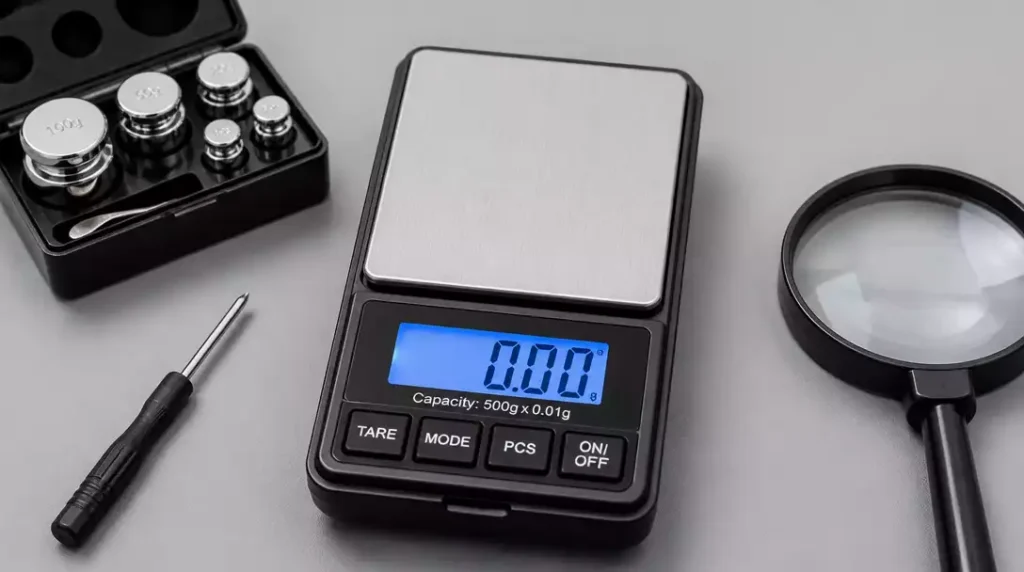
Many users overlook the nuances of digital pocket scales until they encounter issues. Whether you’re a casual user or rely on precise measurements for your work, understanding the common problems can save you time and frustration.
What You Will Learn
- Identify the symptoms of a malfunctioning scale, including inaccurate readings and unresponsive buttons.
- Understand common error codes like “Overload,” “PASS,” and “FAIL” for effective troubleshooting.
- Learn how environmental factors and cleanliness affect the accuracy of your scale’s readings.
- Recognize when a scale is beyond repair and the importance of safety during handling and potential repairs.
- Know the essential replacement parts, such as load cells and display screens, to maintain scale functionality.
Common Issues with Digital Pocket Scales
As someone who’s worked with a variety of digital pocket scales, I’ve noticed that users often face similar problems. These include inaccurate readings, unresponsive buttons, and display errors. Each of these issues can be frustrating, especially when you rely on your scale for precise measurements!
When your scale starts acting up, it can be hard to pinpoint the exact issue. That’s why it’s essential to know the symptoms that indicate something’s not right. Let’s dive into the common problems you might encounter.
Identifying the Symptoms of a Malfunctioning Scale
Here are the typical symptoms that suggest your digital pocket scale may be malfunctioning:
- Inaccurate Readings: If the scale shows a weight that seems off, it might need calibration.
- Unresponsive Buttons: If your scale’s buttons don’t work when pressed, it may need cleaning or a battery change.
- Display Errors: Codes or jumbled numbers on the display can indicate various issues.
Identifying these symptoms can significantly help you troubleshoot the issues effectively. Don’t panic! Many of these problems can be resolved with a little guidance and care. For instance, sometimes simply knowing how to fix a food scale can provide insights applicable to pocket scales as well.
Common Error Codes Explained
Many users often encounter error codes on their digital pocket scales. These codes are helpful in diagnosing problems:
- Overload: This indicates that the weight exceeds the maximum limit of the scale.
- PASS: This means the scale has successfully completed its calibration process.
- FAIL: This indicates a calibration failure, suggesting that adjustments are needed.
Understanding these error codes can save you time and frustration when dealing with a faulty scale. If you see any of these codes, they can guide you towards the right solutions!
Weighing Accuracy: Common Factors Affecting Readings
The accuracy of your scale can be influenced by several factors. Here are a few to consider:
- Environmental Factors: Humidity, temperature, and vibrations can all impact weight readings.
- Scale Loading: Ensure you place items in the center of the weighing platform to avoid uneven weight distribution.
- Cleanliness: Dust and debris on the scale can lead to inaccurate measurements.
By keeping these factors in mind, you’ll be better equipped to ensure that your scale provides accurate readings. A little attention can go a long way in maintaining its performance! If you’re encountering persistent issues, learning how to fix a broken digital scale might offer further solutions.
Pro Tip
To maintain the longevity and accuracy of your digital pocket scale, always calibrate it regularly. Even small changes in temperature or humidity can affect its performance. A quick calibration can ensure your readings remain precise!
Addressing When Repair is Not Feasible
Recognizing Irreparable Damage
It’s crucial to know when your digital pocket scale might be beyond repair. Look for signs of sensor damage or issues with the load cell, as these are significant indicators of potential failure. Common symptoms include persistent error messages that won’t go away, or the scale not responding even after troubleshooting.
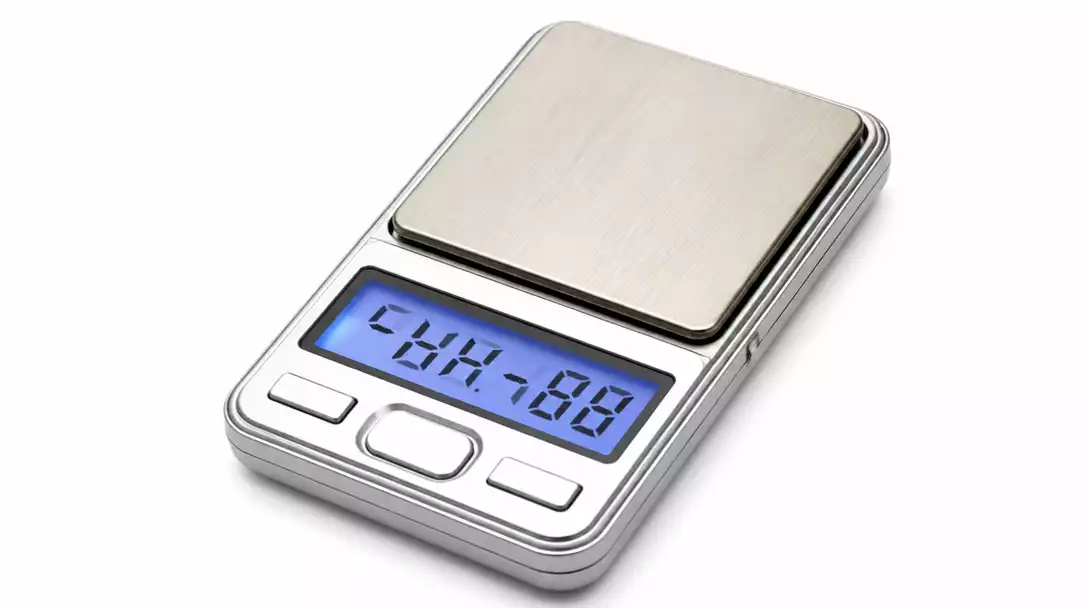
More specifically, if you notice:
- Physical damage to the scale, like cracks or dents
- Repeatedly inaccurate readings despite calibration
- Inconsistent weight measurements across various tests
If you encounter these issues, it might be time to consider a replacement instead of repair. Remember, relying on a malfunctioning scale can lead to costly mistakes!
Safety Tips for Handling Scale Repairs
Safety is paramount when dealing with scale repairs. Digital pocket scales often contain batteries that can leak or corrode, posing a risk to both users and the device. Here are some essential safety tips:
- Always remove the battery before attempting any repairs.
- Check for signs of corrosion around the battery compartment.
- Dispose of damaged batteries according to local regulations to prevent environmental harm.
Taking these precautions ensures your safety and helps maintain the integrity of your digital pocket scale. If you feel uncertain about handling repairs, don’t hesitate to reach out to professionals! Understanding how to dispose of a digital scale properly is also important if it’s beyond repair.
Understanding Scale Replacement Parts and Their Importance
Every part of a digital pocket scale plays a vital role in its overall functionality. Electronic components and load cells are particularly crucial as they directly affect the accuracy of weight measurements. When considering repairs, you may need to replace these components if they show signs of wear or damage.
Here are some replacement parts to keep in mind:
- Load cells – responsible for converting weight into an electrical signal
- Display screens – can fail or become damaged over time
- Buttons and switches – essential for operational control
Understanding these components can help you decide when it’s time to replace specific parts versus when to invest in a new scale entirely. If you’re unsure, feel free to get in touch with us for more personalized advice!
Frequently Asked Questions (FAQs) About Digital Pocket Scales
- Q: What are the most common problems with digital pocket scales?
- A: The most common problems include inaccurate readings, unresponsive buttons, and display errors. These can often be resolved with troubleshooting or calibration.
- Q: What do error codes like “Overload,” “PASS,” and “FAIL” mean?
- A: “Overload” means the weight exceeds the scale’s maximum capacity. “PASS” indicates successful calibration, while “FAIL” means calibration was unsuccessful and adjustments are needed.
- Q: How do environmental factors affect scale accuracy?
- A: Environmental factors such as humidity, temperature, and vibrations can all impact the accuracy of your scale’s readings. Keeping the scale in a stable environment is important.
- Q: When should I consider my digital pocket scale irreparable?
- A: You should consider it irreparable if there’s significant physical damage (cracks, dents), persistent error messages, or repeatedly inaccurate readings despite proper calibration and troubleshooting.
- Q: What safety precautions should I take when attempting scale repairs?
- A: Always remove batteries before attempting repairs, check for corrosion in the battery compartment, and dispose of damaged batteries according to local regulations to ensure safety.
Recap of Key Points
Here is a quick recap of the important points discussed in the article:
- Identifying Symptoms: Look for inaccurate readings, unresponsive buttons, and display errors as indicators of scale malfunction.
- Error Codes: Understand common error codes like overload, PASS, and FAIL to diagnose issues effectively.
- Accuracy Factors: Be aware of environmental factors, scale loading, and cleanliness that can affect weighing accuracy.
- Repair Signs: Recognize irreparable damage through physical cracks, repeated inaccuracies, and inconsistent measurements.
- Safety Tips: Always remove batteries before repairs and check for corrosion to ensure safety.
- Replacement Parts: Know the importance of load cells, display screens, and buttons in maintaining scale functionality.





