
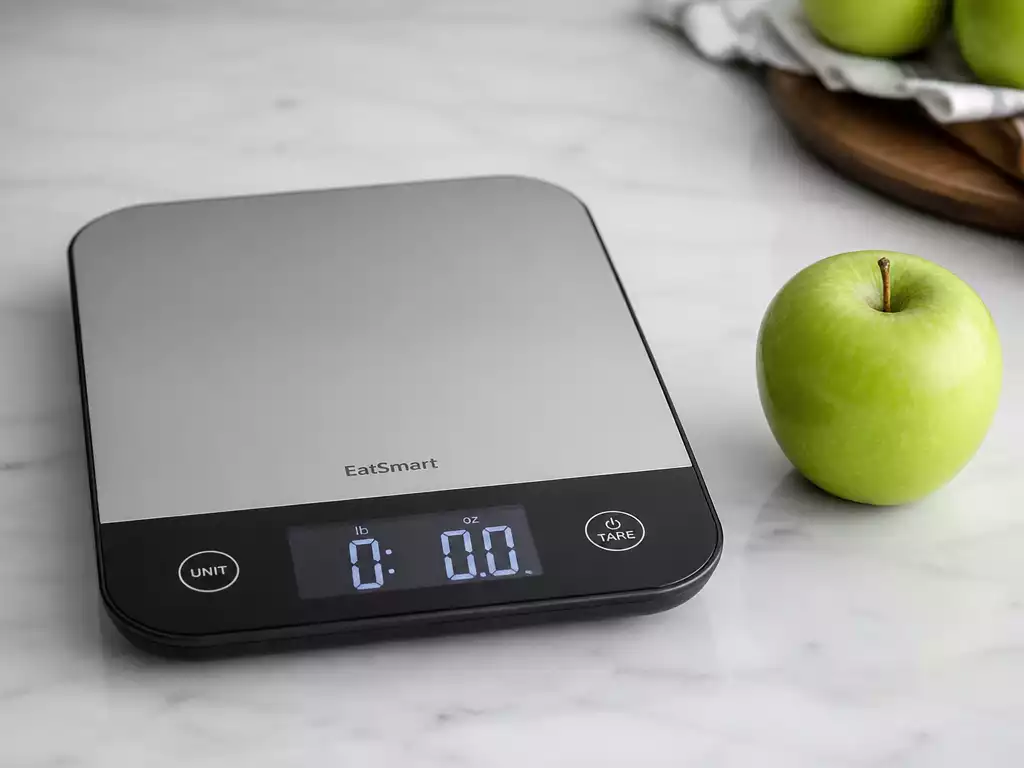
Effective weight management begins with the right tools. A properly calibrated EatSmart scale enhances your tracking experience and builds confidence in your measurements. Are you ready to optimize your scale for precision?
What You Will Learn
- Calibration is essential for accurate weight readings, ensuring your scale reflects your true weight.
- Regularly calibrating your scale enhances its performance and reliability over time.
- Recalibrate your scale after moving it, changing batteries, or prolonged storage for consistent accuracy.
- Proper placement on hard, flat surfaces maximizes the accuracy of weight measurements.
- Using a calibration weight can help confirm your scale’s accuracy and reliability.
Understanding Your EatSmart Scale: Calibration Essentials
When it comes to tracking your weight accurately, calibration is essential for your EatSmart Scale. Proper calibration ensures that the readings you get are reliable, allowing you to monitor your progress effectively. As someone who values precision in everyday measurements, I can’t stress enough how a well-calibrated scale can make a difference in your weight management journey!
Calibration plays a crucial role in maintaining the consistency and performance of your scale. It helps eliminate discrepancies caused by factors like surface irregularities or changes in environmental conditions. By understanding the importance of calibration, you can make sure your EatSmart Scale stays reliable and accurate.
Why Calibration Matters for Your EatSmart Scale
Calibration is about more than just getting a number. It ensures that the readings from your scale reflect your true weight, making it a vital part of your health routine. Regular calibration helps avoid potential issues that might arise from wear and tear over time.
- Improved Accuracy: Regular calibration helps your scale provide precise weight readings.
- Consistent Performance: Calibrating your scale ensures that it performs well regardless of where you place it.
- Enhanced Reliability: A calibrated scale builds trust in your measurements, which is key for effective weight management.
Taking a few moments to calibrate your scale can truly enhance your experience. It’s a simple step that ensures you’re getting the most out of your EatSmart Scale!
Common Scenarios Requiring Calibration
There are several scenarios where calibrating your scale becomes necessary. For instance, if you’ve moved your scale to a different location or have recently changed its batteries, a calibration check is essential. These changes can affect the performance of your scale.
- After Moving: If you change the location of your scale, always recalibrate it to ensure accuracy.
- Battery Changes: Replacing batteries can disrupt the calibration; it’s wise to check it afterward.
- Prolonged Storage: If your scale has been unused for a while, a calibration review is recommended.
Understanding when to recalibrate helps ensure that your weight measurements remain consistent. It’s a straightforward yet essential part of maintaining your EatSmart Scale!
Step-By-Step Guide to Calibrating Your EatSmart Scale
Initial Setup for First-Time Users
Getting started with your EatSmart Scale is an exciting step toward effective weight management! When you first unbox your scale, it’s crucial to set it up correctly. Begin by placing the scale on a hard, flat surface, which is key for getting accurate readings.
- Unbox Your Scale: Carefully remove the scale from its packaging.
- Insert Batteries: Follow the instructions provided to install the batteries correctly.
- Turn On the Scale: Step on the scale briefly to activate it and set it to zero.
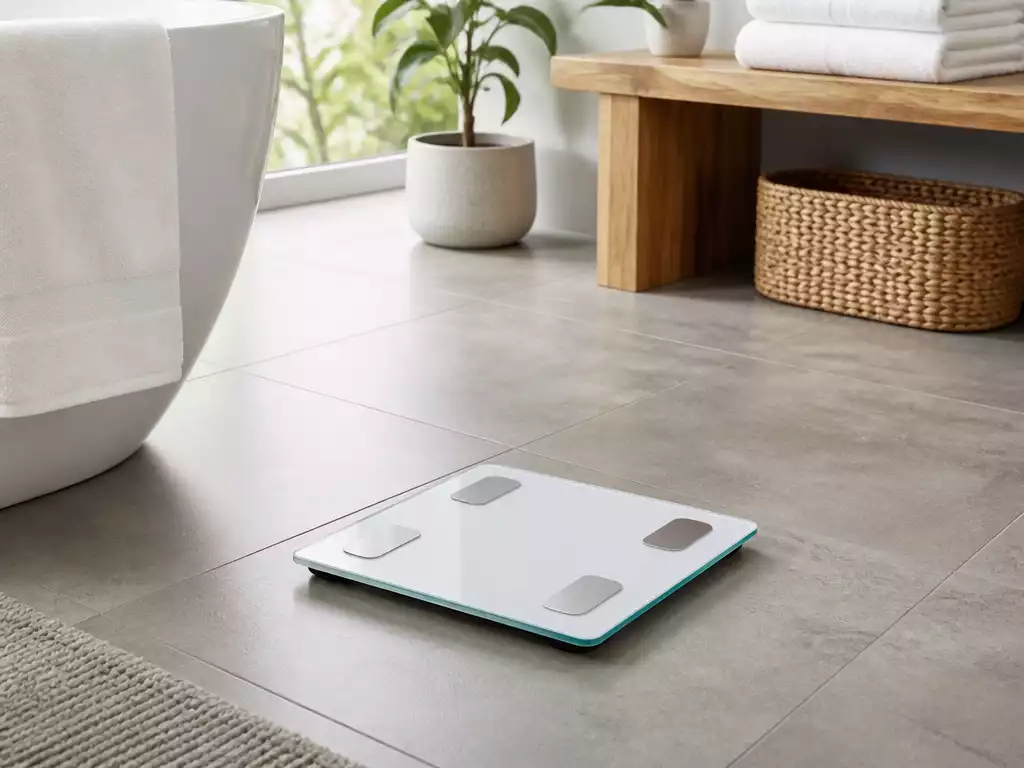
Following these steps ensures that your scale is ready for use. A proper setup lays the foundation for accurate measurements as you begin tracking your weight!
How to Calibrate Your Scale After Moving
If you’ve recently moved your scale, you’ll need to recalibrate it to maintain accuracy. Performing this step is straightforward and can be done quickly to ensure you’re back on track with your weight management.
- Step 1: Place the scale on a hard, flat surface.
- Step 2: Turn on the scale and allow it to initialize.
- Step 3: Step on the scale to activate the zero function.
These simple steps will help recalibrate your scale swiftly, ensuring it delivers correct readings post-move. This is an important practice for anyone who wants to keep their weight tracking process seamless and accurate.
Placement Guidelines for Accuracy
To achieve the best results with your EatSmart Scale, proper placement is vital. Placing your scale on an uneven or soft surface can lead to inaccurate readings. Here are some guidelines to follow:
- Choose Hard Surfaces: Always use your scale on tile, wood, or linoleum.
- Avoid Carpets: Stepping on carpet can cause the scale to give false readings.
- Keep It Level: Make sure your scale is level and not on an incline for the most accurate results.
By adhering to these placement guidelines, you’ll improve the accuracy of your readings significantly. This simple adjustment can save you time and frustration down the road!
Achieving Accurate Readings with Your EatSmart Precision Digital Bathroom Scale
Once your scale is calibrated and placed correctly, it’s important to know how to stand on it for the most accurate readings. Standing still and ensuring your weight is evenly distributed is key.
- Stand Still: Avoid shifting your weight while the scale is taking a reading.
- Stay Centered: Position your feet in the center of the scale for the best results.
- Wait for the Readout: Give the scale a moment to stabilize and provide the accurate reading.
These tips will help you get the most out of your EatSmart Scale. Consistency in how you use the scale contributes to reliable weight tracking over time!
Understanding Zero Readings, Step-On Technology, and LCD Display Features
Your EatSmart Scale comes equipped with useful features like zero readings and step-on technology. Understanding these can significantly enhance your experience:
- Zero Readings: Make sure the scale reads zero before stepping on.
- Step-On Technology: This feature allows you to get a reading just by stepping on the scale.
- Clear LCD Display: Familiarize yourself with the display to interpret weight readings accurately.
Knowing how to utilize these features helps you make the most of your scale, ensuring that every measurement is as accurate as possible!
Importance of Calibration Weight in Ensuring Measurement Accuracy
Finally, using a calibration weight can be a great way to double-check your scale’s accuracy. Calibration weights provide a precise reference point, ensuring that your scale is working correctly over time.
By investing in a calibration weight and using it regularly, you can ensure that your EatSmart Scale continues to deliver reliable results. This simple tool can enhance your confidence in your measurements significantly!
Pro Tip
Did you know? Regularly checking the calibration of your EatSmart Scale not only enhances accuracy but also helps you spot any potential problems early on. Consider setting a reminder to calibrate your scale every month, especially after significant changes like moving or replacing batteries. This small effort can have a big impact on your weight management journey!
Wrapping Up Your Calibration Journey
Now that you’ve gone through the essential steps of calibrating your EatSmart scale, it’s time to ensure it’s ready for accurate weight tracking! Following calibration, there are a few final checks that will help you confirm your scale’s functionality. This will make sure your readings are both precise and consistent every time you step on.
Here are some key steps to complete:
- Double-check that the scale is on a hard, flat surface to avoid any discrepancies in readings.
- Verify that the scale displays a zero reading before you step on it.
- Stand still and evenly distribute your weight while taking a measurement.
By following these steps, you’ll be better prepared to track your progress effectively with your EatSmart scale!
Frequently Asked Questions About EatSmart Scale Calibration and Maintenance
It’s completely normal to have questions about calibrating and maintaining your scale. Here are answers to some common queries to help you ensure your EatSmart Scale remains a reliable tool for your weight management journey.
- How often should I calibrate my EatSmart Scale?
- Ideally, you should calibrate your EatSmart Scale every few months. You should also recalibrate it after moving it, changing batteries, or if you notice any inconsistencies in readings.
- What should I do if my scale doesn’t zero out?
- First, ensure the scale is on a hard, flat, and level surface. If the issue persists, try replacing the batteries. If it still doesn’t zero, try the calibration steps again or consult your user manual for specific troubleshooting tips.
- Can I use any heavy object to calibrate my scale?
- For the most accurate calibration, it is best to use a known calibration weight. These weights are precisely measured and will give you the most reliable reference for your scale’s accuracy. While you can use household items, verify their weight with another trusted scale first.
- Why is proper placement so important for scale accuracy?
- Placing your scale on an uneven or soft surface (like carpet) can cause significant inaccuracies in readings because the sensors cannot properly register your weight. A hard, flat surface ensures even pressure distribution and consistent measurements.
- Does prolonged storage affect scale accuracy?
- Yes, prolonged storage can sometimes affect a scale’s calibration due to temperature changes or subtle shifts in internal components. It’s always a good practice to recalibrate your scale after it has been stored for an extended period.
Take Control of Your Measurements Today
Ready to Calibrate? Start Now for Effective Weight Management!
Now that you have all the tools and knowledge to ensure your EatSmart scale is calibrated and ready, it’s time to take action! Implement these steps, and you’ll be well on your way to achieving a more accurate and reliable measurement experience.
Don’t wait any longer! Get started on your calibration journey today and see how easy it is to take control of your weight management. You’ve got this!
Recap of Key Points
Here is a quick recap of the important points discussed in the article:
- Calibration is Essential: Regular calibration ensures accurate and reliable weight readings from your EatSmart Scale.
- Know When to Calibrate: Recalibrate after moving your scale, changing batteries, or prolonged storage to maintain accuracy.
- Proper Setup Matters: Always place your scale on a hard, flat surface and ensure it reads zero before stepping on.
- Utilize Features: Familiarize yourself with features like zero readings and step-on technology for optimal use.
- Check with Calibration Weights: Using a known calibration weight can help verify your scale’s accuracy over time.





