
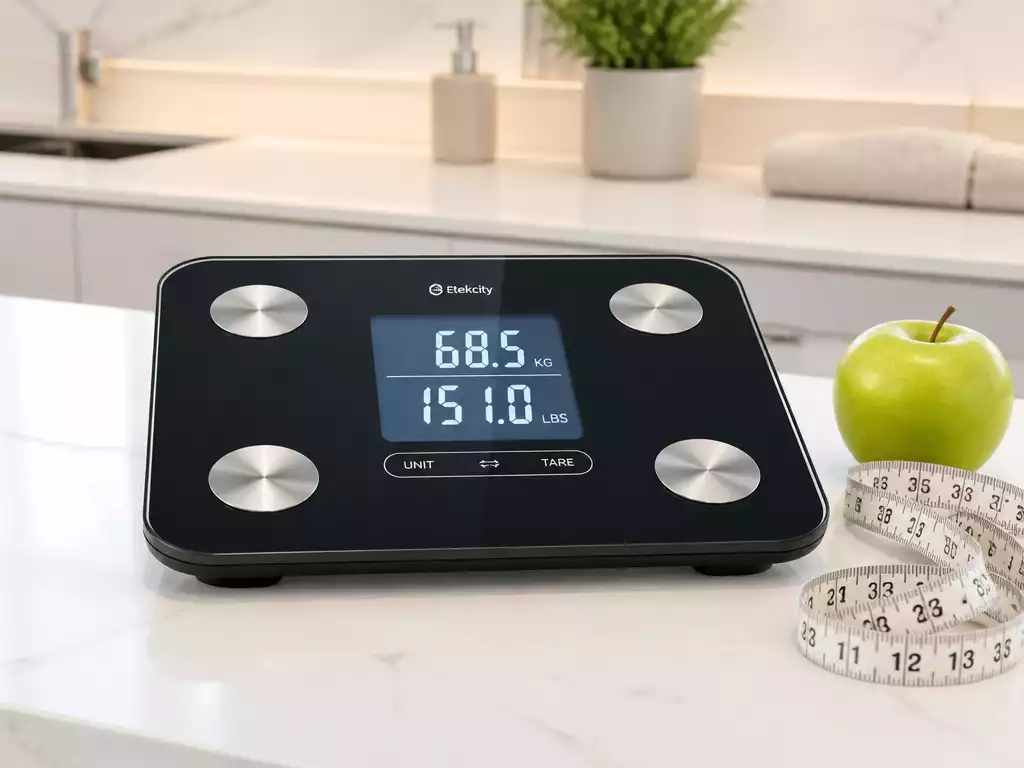
Have you ever wondered how simple it is to switch weight measurements on your digital scale? Understanding how to toggle between kilograms and pounds can transform your approach to tracking health and fitness.
What You Will Learn
- Digital scales commonly measure weight in kg, lbs, and stones, catering to various regional preferences.
- Switching between units can enhance your weight tracking experience, especially when traveling or relocating.
- Health monitoring programs may require specific weight units for accurate tracking and progress assessment.
- Regularly checking your scale settings ensures consistency with your personal health goals and comfort.
Understanding the Functionality of Digital Scales: Switching from kg to lbs
When it comes to weight measurement, most of us are familiar with kilograms and pounds. These are the two most common units used worldwide, with kilograms (kg) primarily used in metric countries, while pounds (lbs) are more prevalent in the United States. Additionally, there are other units like stones that some people use. Understanding how to switch between these units is essential, especially if you travel or have specific health monitoring needs.
Being able to convert your weight readings is not just a matter of convenience; it can significantly impact how you track your fitness progress or manage health conditions. Knowing the different measurement units and how to switch between them can enhance your experience with digital scales.
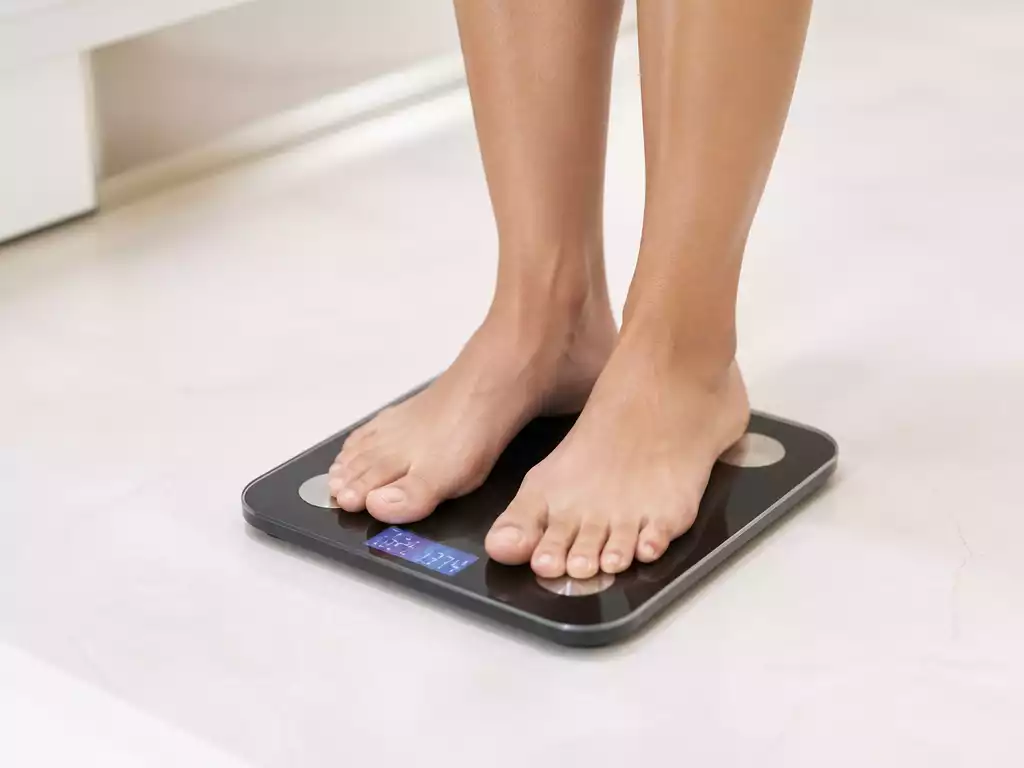
What You Need to Know About Digital Scale Measurements
Digital scales typically come with the ability to measure weight in different units. Here’s what you should know:
- Kilograms (kg): Used widely in most countries around the world.
- Pounds (lbs): Predominantly used in the USA and a few other countries.
- Stones: Often used in the UK, particularly for measuring body weight.
Recognizing these units aids in making informed decisions about weight management. Whether you’re tracking your weight for health reasons or preparing for a trip, being familiar with these measurements can make your life easier.
Key Reasons for Changing Scale Units
There are several reasons why you might want to switch your digital scale from kg to lbs. Here are a few key considerations:
- Regional Preferences: If you’ve recently moved or are traveling, you may find that one measurement is more prevalent than the other.
- Health Monitoring: Certain health programs or personal fitness goals may require tracking your weight in a specific unit.
- Personal Comfort: Many people simply feel more at ease using the unit they are accustomed to.
Switching units on your scale can help you stay aligned with your goals and ensure that the information you’re tracking is relevant to your situation. Understanding these factors is vital for effective weight management.
Pro Tip
Did you know? Many digital scales offer a simple button or toggle switch to change between kg and lbs. Familiarize yourself with your scale’s manual to quickly navigate these settings. Regularly checking your scale’s unit settings can help you avoid confusion and ensure that you are tracking your weight accurately!
Frequently Asked Questions About Digital Scale Units
What are the common weight units measured by digital scales?
Digital scales commonly measure weight in kilograms (kg), pounds (lbs), and stones.
Why would I need to switch between kg and lbs on my scale?
You might need to switch units due to regional preferences (e.g., traveling or relocating), specific requirements of health monitoring programs, or simply for personal comfort if you’re more accustomed to one unit over another.
How can I usually change the unit settings on my digital scale?
Most digital scales have a simple button or toggle switch to change between units. It’s always best to consult your scale’s user manual for specific instructions.
Why is it important to regularly check my scale’s unit settings?
Regularly checking your scale’s unit settings helps avoid confusion and ensures that you are consistently tracking your weight accurately, aligning with your personal health goals and preferences.
Beyond unit conversion, what other features do smart scales offer?
Smart scales often offer additional features like app integration and the ability to track progress over time, providing a more comprehensive approach to weight management.
Wrapping Up: Mastering Your Digital Scale Settings
As we reach the end of our guide, it’s crucial to remember the key points we’ve discussed about changing digital scale units. Knowing how to switch from kg to lbs (and vice versa) can significantly enhance your weight tracking experience. It not only makes your measurements more relevant, depending on your location or personal preference, but it also ensures you are consistently aligned with your health monitoring goals!
Having the ability to adjust your scales correctly helps in making informed decisions regarding your health. It’s all about making sure you have the right tools at your disposal. So always keep in mind these essential steps and tips we’ve shared throughout this article.
Taking the Next Steps: Optimize Your Weight Tracking
Now that you’re equipped with the knowledge to manage your scale settings, I encourage you to regularly check your scale’s configurations. Here are some actionable steps to enhance your weight tracking:
- Periodically verify that your scale is set to your preferred unit.
- Explore all the features offered by smart scales, such as app integration and tracking progress over time.
- Keep your user manual handy for troubleshooting any issues that might arise.
Taking these small steps can make a big difference in your weight management journey! I’m excited to hear about your experiences and any questions you may have about changing scale settings. Please share your thoughts in the comments section below. Let’s navigate this process together!
Recap of Key Points
Here is a quick recap of the important points discussed in the article:
- Understanding Measurement Units: Familiarize yourself with kilograms (kg), pounds (lbs), and stones, as these are the most common weight measurement units.
- Reasons to Change Units: Switching between kg and lbs may be necessary due to regional preferences, health monitoring requirements, or personal comfort.
- Regularly Check Configurations: Ensure that your digital scale is set to your preferred unit and explore additional features for better weight tracking.
- Utilize Resources: Keep your user manual accessible for troubleshooting and to enhance your understanding of your scale’s functions.





