
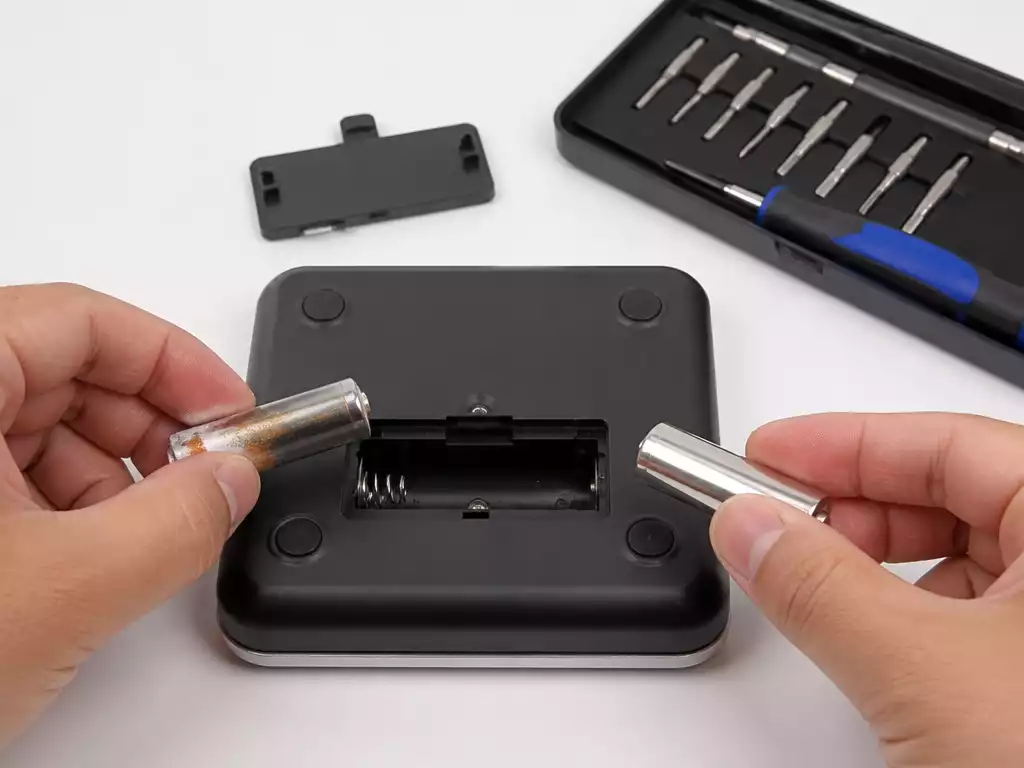
Maintaining your digital scale is essential for accuracy, and understanding battery replacement is a vital aspect of that process. How often do you think about the battery powering your scale? The next time you step on, you might want to check!
What You Will Learn
- Common signs indicating your digital scale needs a battery change include a faint display, low battery warnings, and inconsistent measurements.
- Choosing the correct battery type is crucial for the scale’s performance; refer to the user manual to confirm the right specifications.
- A low battery directly affects scale accuracy, potentially leading to incorrect measurements that can impact your health or cooking.
- Regular maintenance, including battery checks and cleaning, is key to prolonging the life and reliability of your digital scale.
- User manuals provide essential information about battery requirements and maintenance tips that can help you avoid common issues.
Understanding the Need for Battery Replacement in Digital Scales
When it comes to maintaining the accuracy and reliability of your digital scale, understanding the need for battery replacement is crucial. As someone who regularly uses a digital scale, I know how frustrating it can be when your measurements are off due to a dying battery. This guide will walk you through identifying when your scale needs a new battery and why it matters.
Digital scales are designed to give you precise measurements, whether you’re weighing ingredients for a recipe or checking your weight. However, as the battery ages, its ability to provide accurate readings diminishes. This is why being proactive about battery replacement is essential!
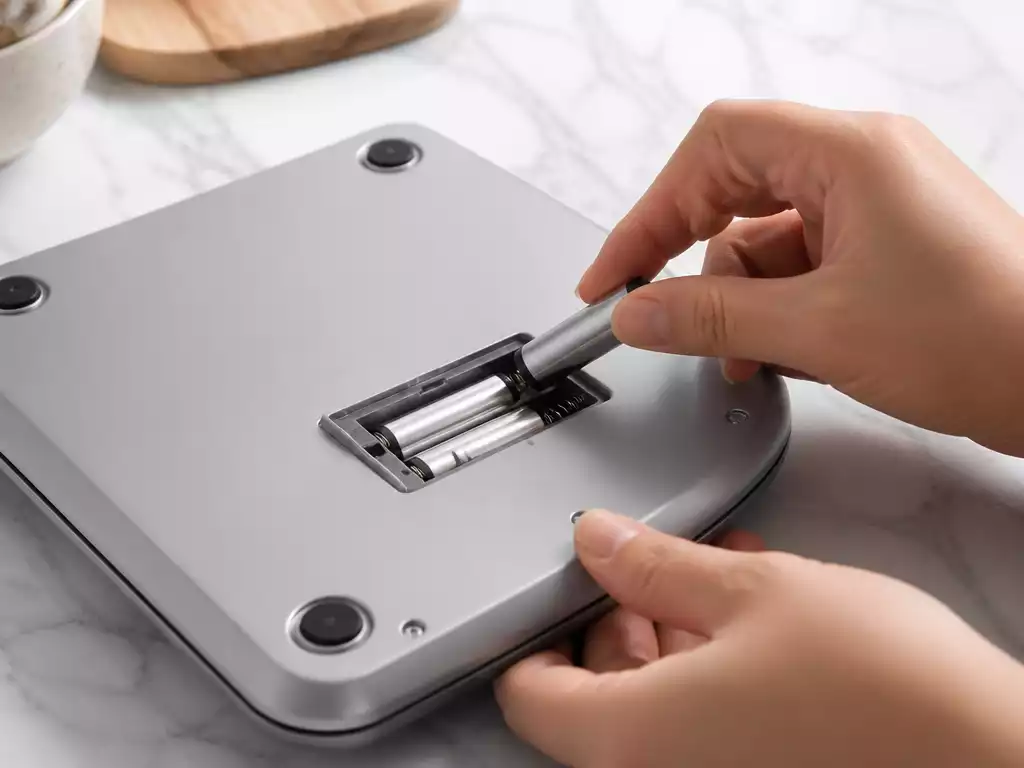
Common Signs Your Digital Scale Needs a Battery Change
Recognizing the signs that your digital scale needs a battery change can save you time and ensure you get consistent measurements. Here are some common indicators:
- The display is faint or completely blank.
- You see low battery warnings on the screen.
- The scale takes longer to turn on than usual.
- Measurements appear inconsistent or fluctuate unexpectedly.
If you’re experiencing any of these issues, it might be time to change the battery. Ignoring these signs can lead to inaccurate readings that could impact your cooking, baking, or personal health tracking!
Importance of Choosing the Right Battery Type for Your Scale
Not all batteries are created equal, and choosing the right type can make a big difference in your scale’s performance. Most digital scales typically use AA, AAA, or button batteries like CR2032. Understanding which battery your scale requires ensures that you don’t just replace it but do so effectively.
It’s worth checking your user manual or the existing battery label to confirm the right type. Using the correct battery not only prolongs the life of your scale but also helps maintain its accuracy and efficiency.
Impact of Battery Life on Scale Accuracy and Performance
The battery life of your digital scale directly impacts its performance. A low battery may cause fluctuations in weight measurements or prevent the scale from turning on altogether. This can be particularly troublesome if you’re relying on your scale for precise measurements, like during a diet or while preparing a critical dish.
- Short battery life can lead to frequent replacements, increasing costs.
- Inconsistent readings can lead to poor decision-making in recipes or fitness tracking.
- A dead battery could result in missing important health data.
Ultimately, keeping your scale’s battery in check is not just about convenience; it’s about ensuring that you have reliable data at your fingertips whenever you need it!
Pro Tip
Did you know? Regularly check the battery level of your digital scale, even if it’s functioning well. A proactive approach to battery maintenance can prevent unexpected discrepancies in measurements and ensure your scale is always ready for use!
Final Thoughts on Changing Batteries in Digital Scales
Changing the battery in your digital scale might seem like a small task, but it plays a huge role in keeping your scale functioning optimally. If you’ve followed the steps outlined in this guide, you should be well-prepared to tackle battery replacements with confidence! Here’s a quick recap of important steps to ensure your scale is always ready to provide accurate readings:
- Locate the battery compartment carefully.
- Open the battery cover without damaging it.
- Remove the old battery, handling it safely.
- Install the new battery, ensuring correct polarity.
- Test the scale to confirm it’s functioning.
With this knowledge, you can maintain your scale and avoid unexpected surprises during your measurements. Remember, a well-maintained scale is key to accurate results!
Encouragement to Regularly Maintain Your Digital Scale
As someone who has worked closely with digital scales, I can’t stress enough how important it is to regularly maintain your scale beyond just battery changes. Regular check-ups can prevent issues and prolong the life of your scale. Make it a habit to check the battery level and clean your scale regularly. This small effort can save you time and ensure reliability!
Additionally, consider keeping a calendar reminder for battery changes or maintenance checks. You’ll find that a little proactive care can lead to consistent performance, which is always beneficial for any measurements you’re tracking.
The Role of User Manuals in Understanding Battery Requirements
User manuals are often overlooked, but they can be your best friend when it comes to understanding your digital scale’s battery requirements. These manuals provide detailed information on the type of battery your scale needs and offer insights into the best practices for maintenance.
- Identify the specific battery model required.
- Learn about any unique features of your scale.
- Find troubleshooting tips tailored to your model.
So, before you toss that manual aside, take a moment to review it! It can help you avoid mishaps and keep your scale in top condition.
Get More Help: FAQs and Additional Resources
If you have further questions about battery replacement or maintaining your digital scale, you’re not alone! Many people have similar queries, and I’m here to help clarify those for you.
Frequently Asked Questions About Battery Replacement
What are the signs that my digital scale battery is dying?
Some common signs include inconsistency in readings, a flickering display, or a total lack of response when you step on the scale. Keeping an eye out for these signs can help you change the battery before it completely dies!
Can I use a different battery type in my scale?
It’s best to stick to the recommended battery type specified in your user manual. Using a different type can lead to performance issues or even damage your scale!
How can I improve my scale’s battery life?
To help extend battery life, make sure to turn off your scale after use and store it in a cool, dry place. Regular maintenance, like cleaning the battery contacts, can also contribute to better efficiency.
Where can I find online tutorials for battery replacement?
There are several resources available, including YouTube tutorials and manufacturer websites. I often recommend checking these out for visual guidance, which can make the process even easier!
Recap of Key Points
Here is a quick recap of the important points discussed in the article:
- Recognize signs that indicate your digital scale needs a battery change, such as a faint display or inconsistent measurements.
- Choose the correct battery type (AA, AAA, or button batteries like CR2032) for optimal performance.
- Monitor the battery life to avoid fluctuations in weight measurements and ensure accuracy.
- Follow proper steps for battery replacement, including safely handling and installing the new battery.
- Consult user manuals for specific battery requirements and maintenance tips.





